







Question: 1. Open a new Excel workbook. 2. Create a table with the following columns: Item, Quantity, Price, and Total Cost. 4 marks 3. In
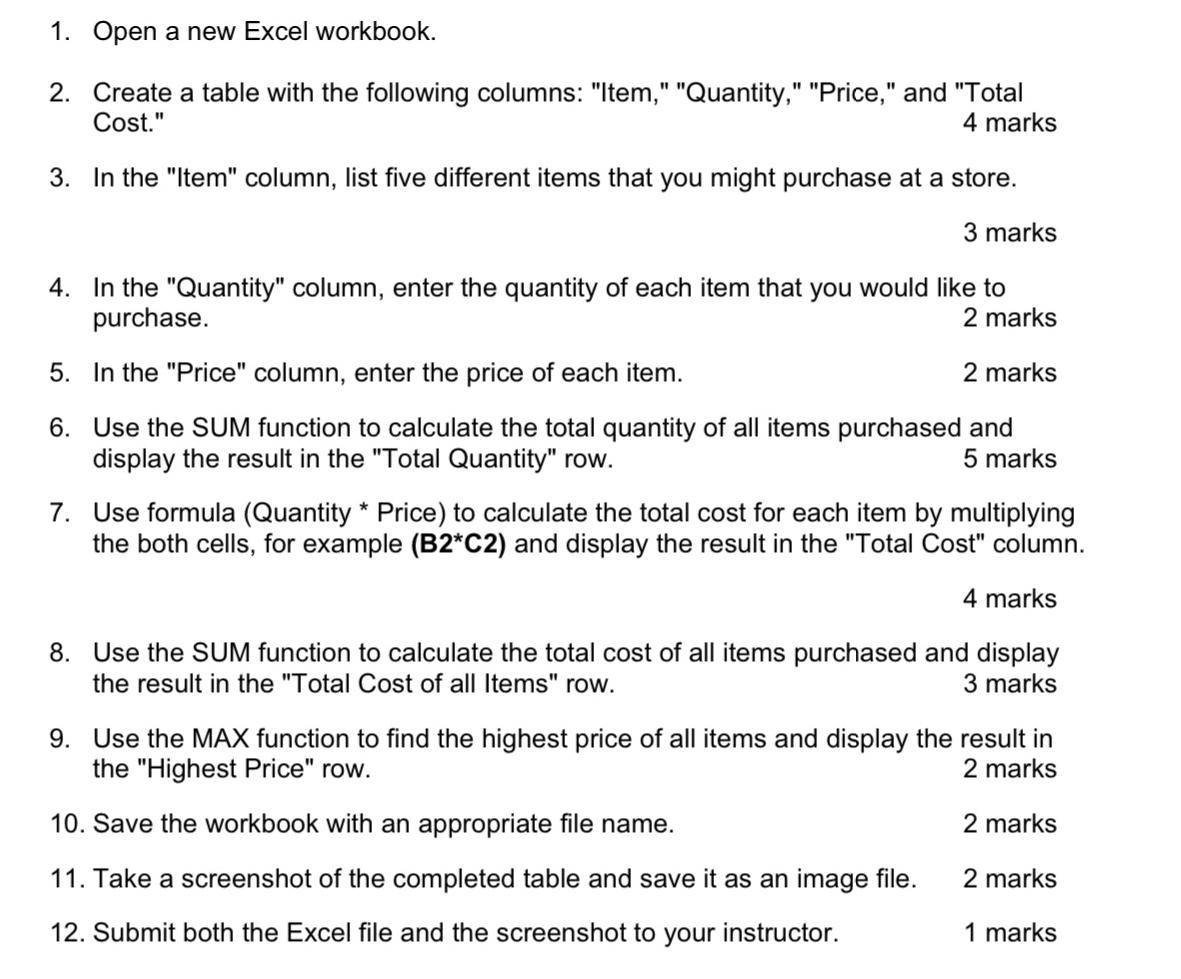
1. Open a new Excel workbook. 2. Create a table with the following columns: "Item," "Quantity," "Price," and "Total Cost." 4 marks 3. In the "Item" column, list five different items that you might purchase at a store. 3 marks 4. In the "Quantity" column, enter the quantity of each item that you would like to purchase. 5. In the "Price" column, enter the price of each item. 2 marks 2 marks 6. Use the SUM function to calculate the total quantity of all items purchased and display the result in the "Total Quantity" row. 5 marks 7. Use formula (Quantity * Price) to calculate the total cost for each item by multiplying the both cells, for example (B2*C2) and display the result in the "Total Cost" column. 4 marks 8. Use the SUM function to calculate the total cost of all items purchased and display the result in the "Total Cost of all Items" row. 3 marks 9. Use the MAX function to find the highest price of all items and display the result in the "Highest Price" row. 10. Save the workbook with an appropriate file name. 2 marks 2 marks 11. Take a screenshot of the completed table and save it as an image file. 2 marks 12. Submit both the Excel file and the screenshot to your instructor. 1 marks
Step by Step Solution
There are 3 Steps involved in it
Sure here are the steps to accomplish the task Open Microsoft Excel and create a new workbook Create ... View full answer

Get step-by-step solutions from verified subject matter experts
 Study Help