







Question: 1. Password Check Change the input validation program for entering a correct password as presented on slide 20, lesson 08, so that the user can
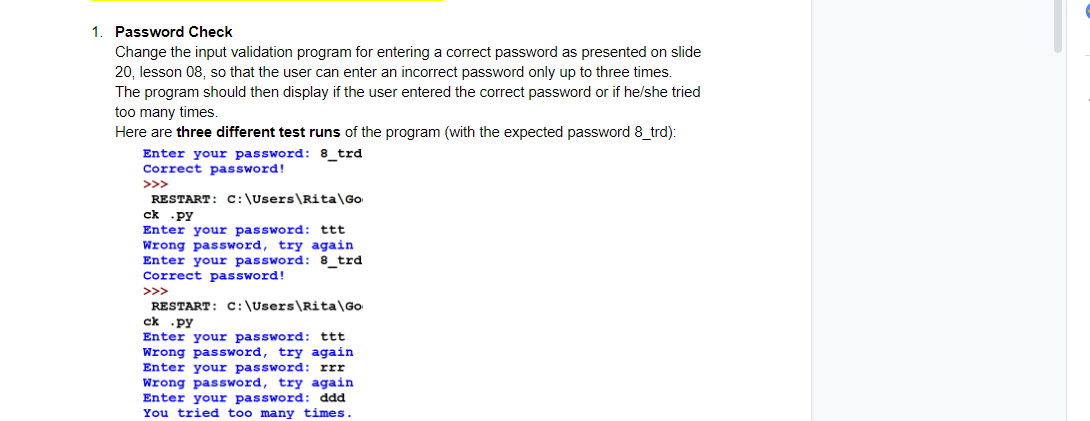
1. Password Check Change the input validation program for entering a correct password as presented on slide 20, lesson 08, so that the user can enter an incorrect password only up to three times. The program should then display if the user entered the correct password or if he/she tried too many times. Here are three different test runs of the program (with the expected password 8_trd): Enter your password: 8_trd Correct password! RESTART: C:\Users\Rita Go ck .PY Enter your password: ttt Wrong password, try again Enter your password: 8_trd Correct password! RESTART: C:\Users\Rita Go ck.py Enter your password: ttt Wrong password, try again Enter your password: rrr Wrong password, try again Enter your password: ddd You tried too many times
Step by Step Solution
There are 3 Steps involved in it

Get step-by-step solutions from verified subject matter experts
 Study Help