







Question: 1. Select the Run Code button to execute the program. 2. Select the Calculate Grade button to generate a score based on the completed tasks.
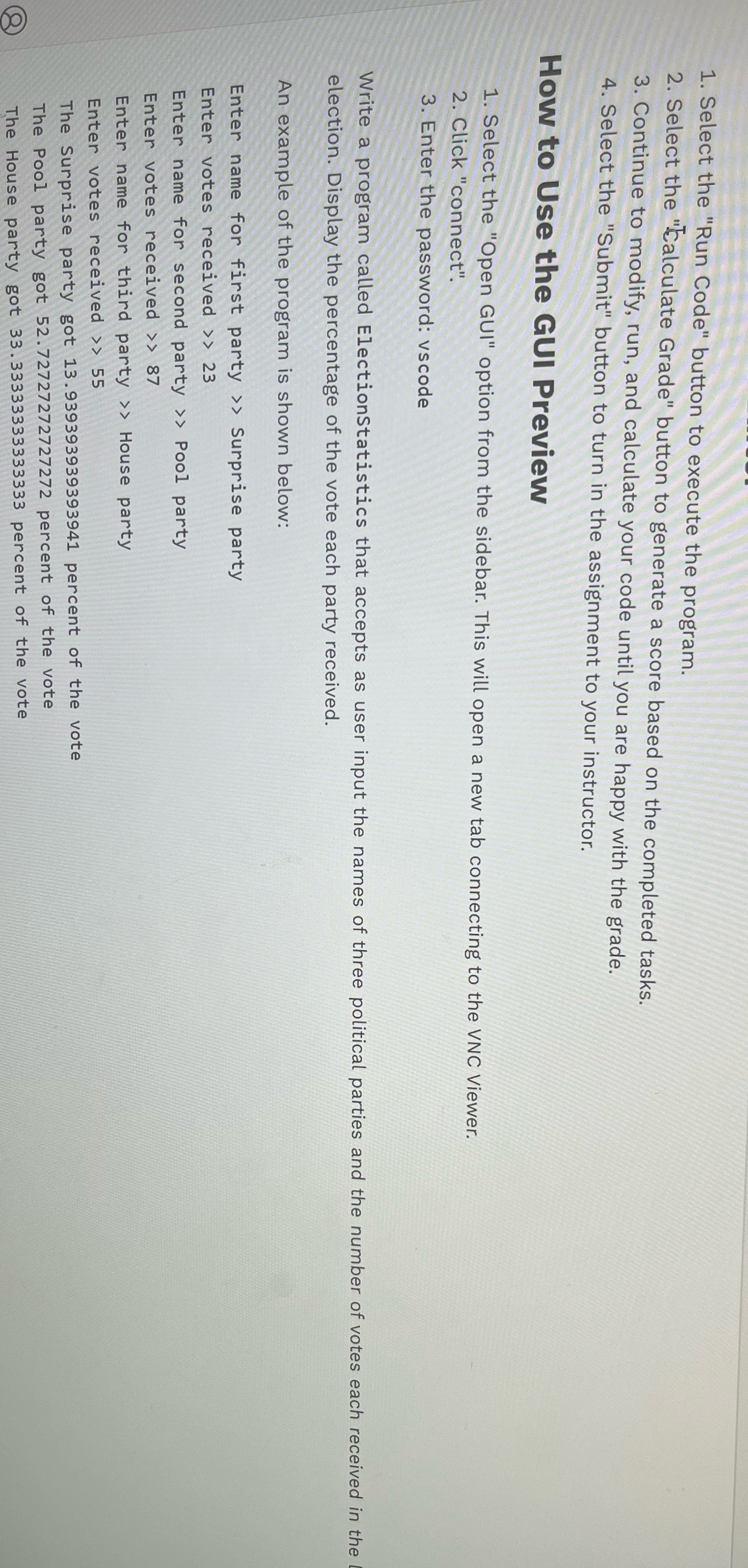
1. Select the "Run Code" button to execute the program. 2. Select the "Calculate Grade" button to generate a score based on the completed tasks. 3. Continue to modify, run, and calculate your code until you are happy with the grade. 4. Select the "Submit" button to turn in the assignment to your instructor. How to Use the GUI Preview 1. Select the "Open GUI" option from the sidebar. This will open a new tab connecting to the VNC Viewer. 2. Click "connect". 3. Enter the password: vscode Write a program called ElectionStatistics that accepts as user input the names of three political parties and the number of votes each received in the election. Display the percentage of the vote each party received. An example of the program is shown below: Enter name for first party > > Surprise party Enter votes received > > 23 Enter name for second party > > Pool party Enter votes received > > 87 Enter name for third party > > House party Enter votes received > > 55 The Surprise party got 13. 939393939393941 percent of the vote The Pool party got 52. 72727272727272 percent of the vote The House party got 33. 33333333333333 percent of the vote
Step by Step Solution
There are 3 Steps involved in it

Get step-by-step solutions from verified subject matter experts
 Study Help