







Question: 1 - The Sage 5 0 home window does not display - Select one: A ) icons for the ledger accounts B ) icons for
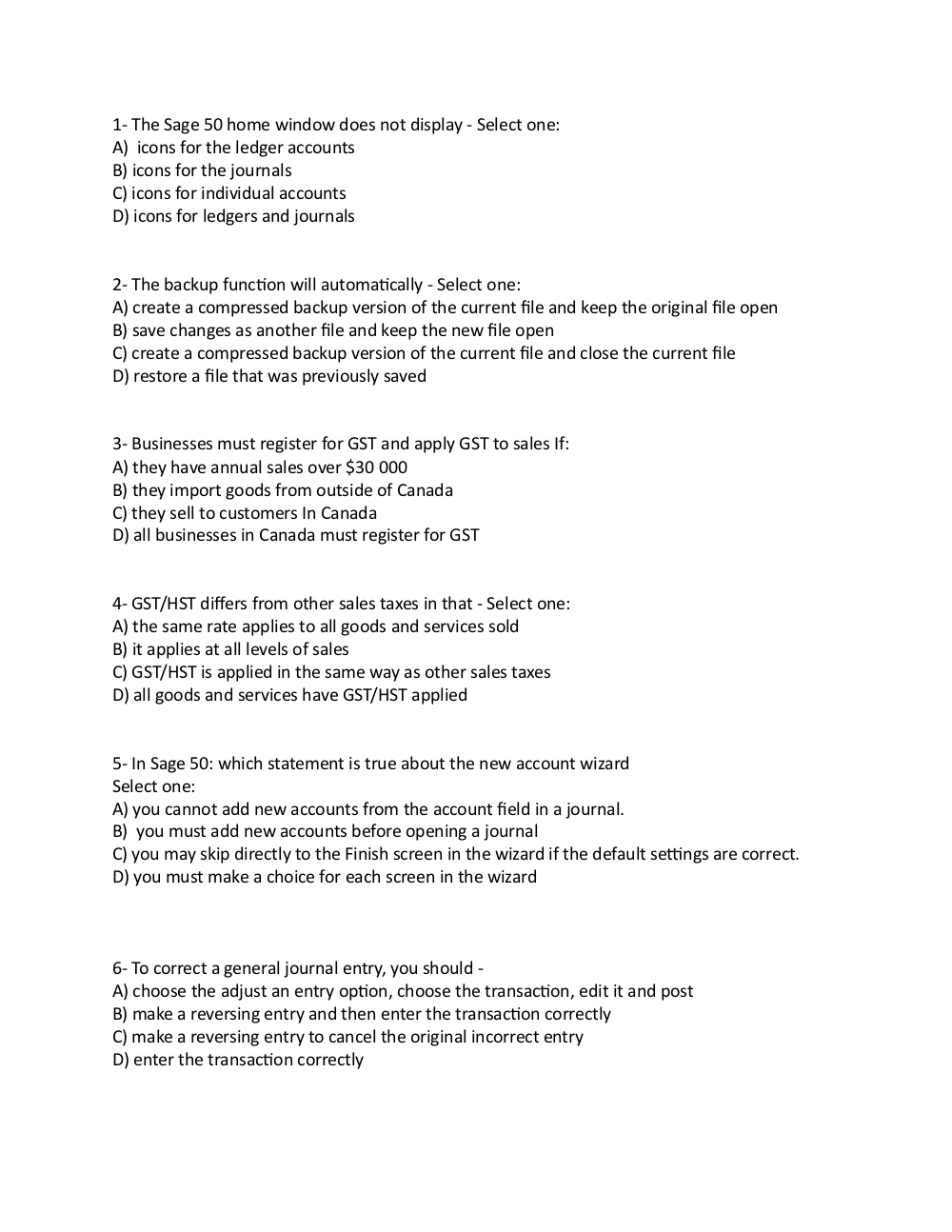
The Sage home window does not display Select one:
A icons for the ledger accounts
B icons for the journals
C icons for individual accounts
D icons for ledgers and journals
The backup function will automatically Select one:
A create a compressed backup version of the current file and keep the original file open
B save changes as another file and keep the new file open
C create a compressed backup version of the current file and close the current file
D restore a file that was previously saved
Businesses must register for GST and apply GST to sales If:
A they have annual sales over $
B they import goods from outside of Canada
C they sell to customers In Canada
D all businesses in Canada must register for GST
GSTHST differs from other sales taxes in that Select one:
A the same rate applies to all goods and services sold
B it applies at all levels of sales
C GSTHST is applied in the same way as other sales taxes
D all goods and services have GSTHST applied
In Sage : which statement is true about the new account wizard
Select one:
A you cannot add new accounts from the account field in a journal.
B you must add new accounts before opening a journal
C you may skip directly to the Finish screen in the wizard if the default settings are correct.
D you must make a choice for each screen in the wizard
To correct a general journal entry, you should
A choose the adjust an entry option, choose the transaction, edit it and post
B make a reversing entry and then enter the transaction correctly
C make a reversing entry to cancel the original incorrect entry
D enter the transaction correctly
Step by Step Solution
There are 3 Steps involved in it
1 Expert Approved Answer
Step: 1 Unlock

Question Has Been Solved by an Expert!
Get step-by-step solutions from verified subject matter experts
Step: 2 Unlock
Step: 3 Unlock
 Study Help