







Question: 1. Type the command that will display the full path name of the current working directory for that shell. Insert Screenshot Below: 2. Type the
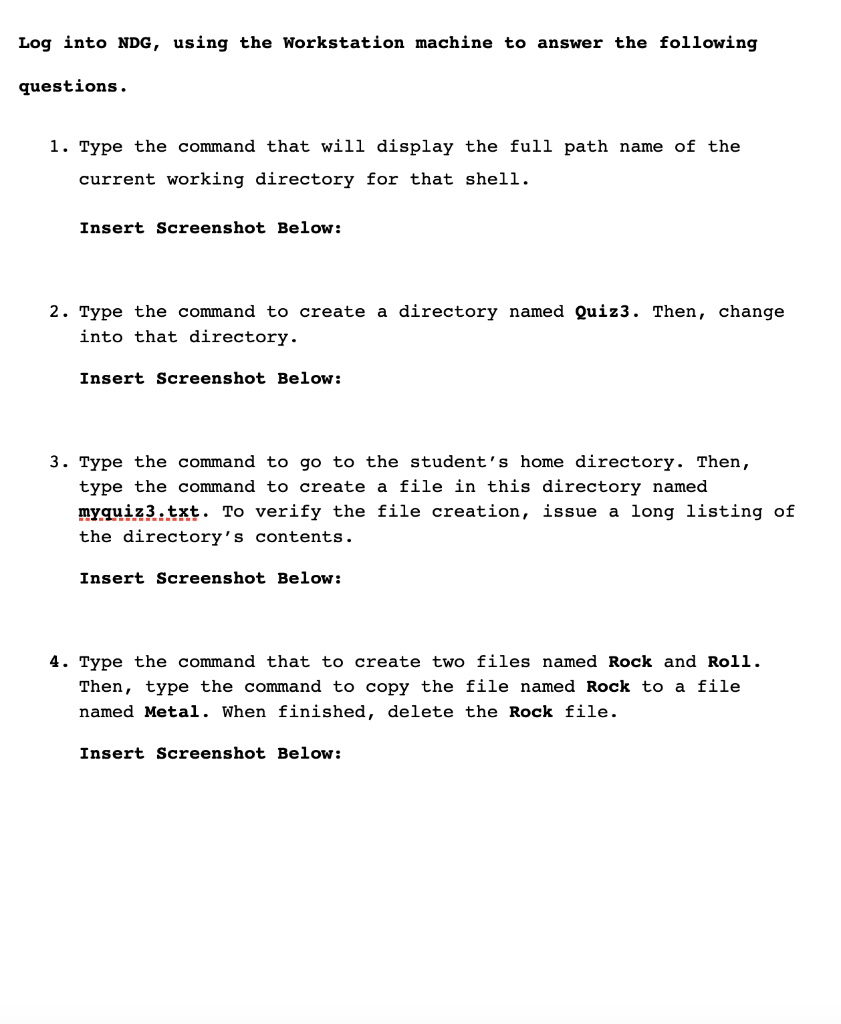
1. Type the command that will display the full path name of the current working directory for that shell. Insert Screenshot Below: 2. Type the command to create a directory named Quiz3. Then, change into that directory. Insert Screenshot Below: 3. Type the command to go to the student's home directory. Then, type the command to create a file in this directory named myquiz3.txt. To verify the file creation, issue a long listing of the directory's contents. Insert Screenshot Below: 4. Type the command that to create two files named Rock and Roll. Then, type the command to copy the file named Rock to a file named Metal. When finished, delete the Rock file. Insert Screenshot Below
Step by Step Solution
There are 3 Steps involved in it

Get step-by-step solutions from verified subject matter experts
 Study Help