







Question: 1. Type the command that will show the absolute path of the directory you're currently working in. a. Then type the command to change to
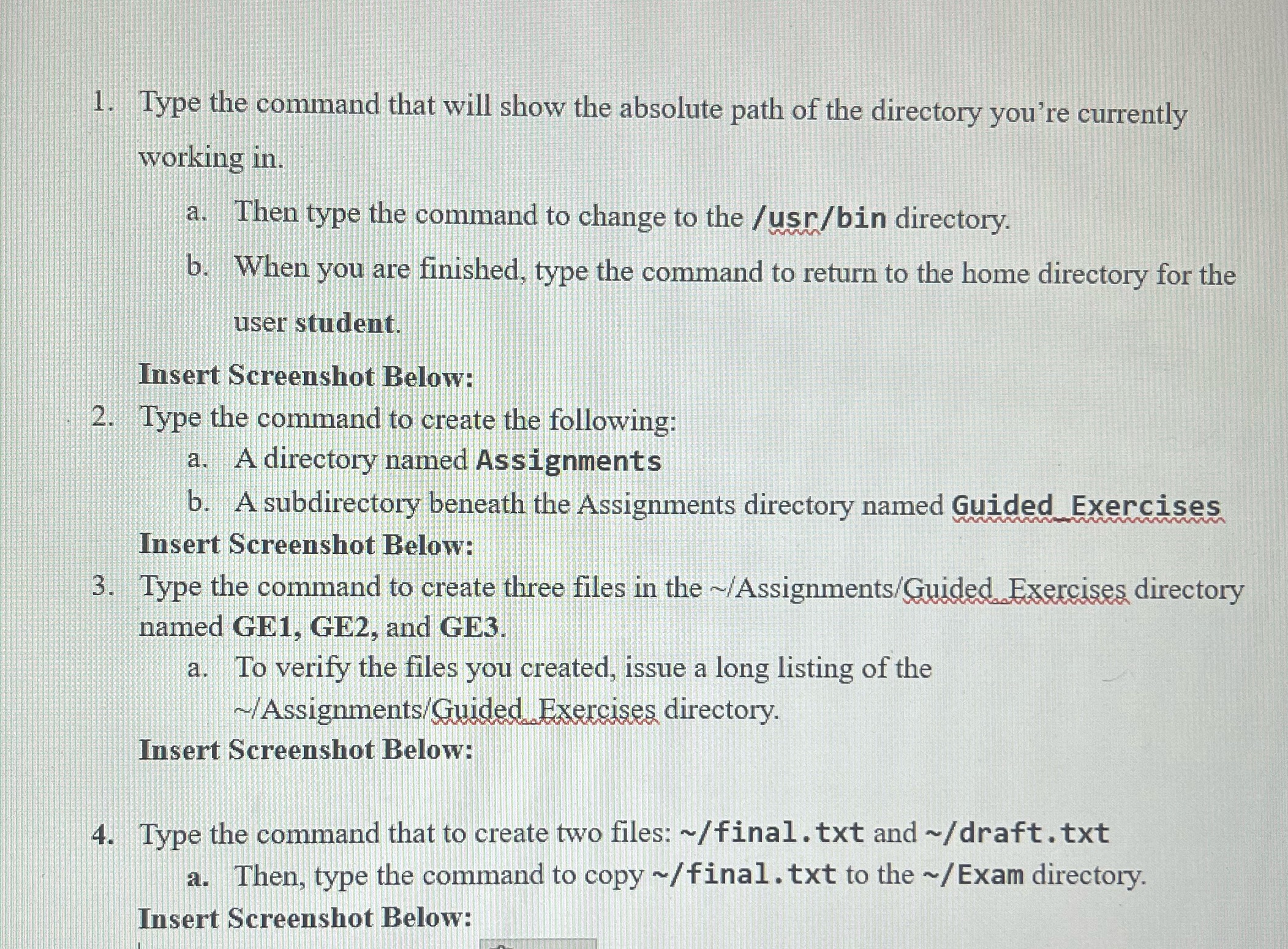
1. Type the command that will show the absolute path of the directory you're currently working in. a. Then type the command to change to the /usr/bin directory. b. When you are finished, type the command to return to the home directory for the user student. Insert Screenshot Below: 2. Type the command to create the following: a. A directory named Assignments b. A subdirectory beneath the Assignments directory named Guided Exercises Insert Screenshot Below: 3. Type the command to create three files in the ~/Assignments/Guided Exercises directory named GE1, GE2, and GE3. a. To verify the files you created, issue a long listing of the ~/Assignments/Guided Exercises directory. Insert Screenshot Below: 4. Type the command that to create two files: ~/final. txt and ~/draft. txt a. Then, type the command to copy ~/final. txt to the ~/ Exam directory. Insert Screenshot Below
Step by Step Solution
There are 3 Steps involved in it

Get step-by-step solutions from verified subject matter experts
 Study Help