Question: 1. Use this reflective space to comment on your thoughts and what you read on the article. Was it different or unknown from what you
1. Use this reflective space to comment on your thoughts and what you read on the article. Was it different or unknown from what you thought you knew about this form of presentation tool?
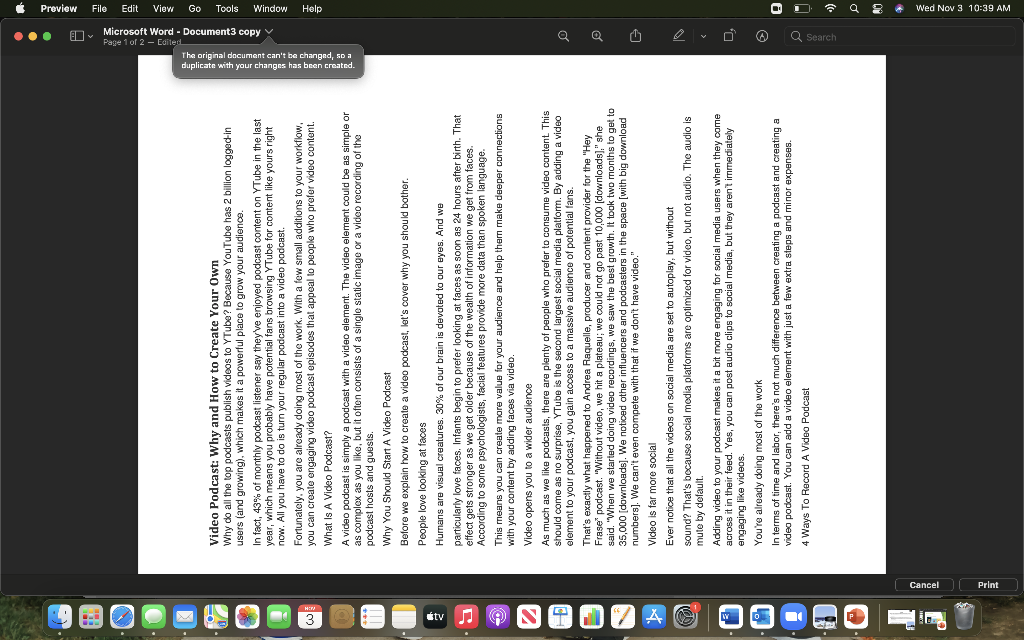
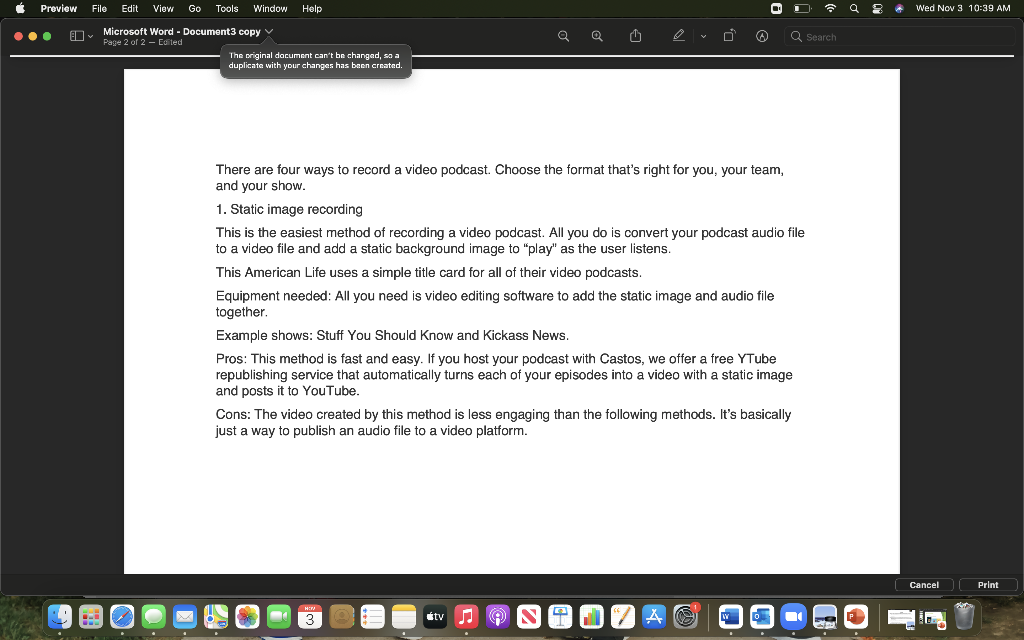
... O Microsoft Word - Documents Preview File Edit View Go Tools Window w1 an't be changed, so a . Video Podcast: Why and How to Create Your Own Why do all the top podcasts publish videos to YTube? Because YouTube has 2 billion logged-in users (and growing), which makes it a powerful place to grow your audience. In fact, 43% of monthly podcast listener say they've enjoyed podcast content on YTube in the last year, which means you probably have potential fans browsing YTube for content like yours right now. All you have to do is turn your regular podcast into a video podcast. Fortunately, you are already doing most of the work. With a few small additions to your workflow, you can create ongaging video podcast episodes that appeal to people who prefer video content. What Is A Video Podcast? A video podcast is simply a podcast with a video element. The video element could be as simple or as complex as you like, but it often consists of a single static image or a video recording of the podcast hosts and guests. Why You Should Start A Video Podcast Before we explain how to create a video podcast, let's cover why you should bother. People love looking at faces Humans are visual creatures. 30% of our brain is devoted to our eyes. And we particularly love faces. Infants begin to prefer looking at faces as soon as 24 hours after birth. That effect gets stronger as we get older because of the wealth of information we get from faces. According to some psychologists, facial features provide more data than spoken language. This means you can create more value for your audience and help them make deeper connections with your content by adding faces via video. Video opens you to a wider audience As much as we like podcasts, there are plenty of people who prefer to consume video content. This should come as no surprise, YTube is the second largest social media platform. By adding a video element to your podcast, you gain access to a massive audience of potential fans. That's exactly what happened to Andrea Raquelle, producer and content provider for the "Hey Frase podcast. "Without video, we hit a plateau; we could not go past 10,000 (downloads];" she said. "When we started doing video recordings, we saw the best growth. It took two months to get to 35,000 (downloads). We noticed other influencers and podcasters in the space (with big download numbers). We can't even compete with that if we don't have video." Video is far more social Ever notice that all the videos on social media are set to autoplay, but without sound? That's because social media platforms are optimized for video, but not audio. The audio is mute by default Adding video to your podcast makes it a bit more engaging for social media users when they come across it in their feed. Yes, you can post audio clips to social media, but they aren't immediately engaging like videos. You're already doing most of the work In terms of time and labor, there's not much difference between creating a podcast and creating a video podcast. You can add a video element with just a few extra steps and minor expenses. 4 Ways To Record Video Podcast A :)) OD a 8 Wed Nov 3 10:39 AM Print Preview File Edit View Go Tools Window Help OD a 8 Wed Nov 3 10:39 AM 0 @ Q Search O Microsoft Word - Document3 copy Page 2 of 2 - Edited The original document can't be chan created so a duplicate with your changes has There are four ways to record a video podcast. Choose the format that's right for you, your team, and your show. 1. Static image recording This is the easiest method of recording a video podcast. All you do is convert your podcast audio file to a video file and add a static background image to "play" as the user listens. This American Life uses a simple title card for all of their video podcasts. Equipment needed: All you need is video editing software to add the static image and audio file together. Example shows: Stuff You Should know and kickass News. Pros: This method is fast and easy. If you host your podcast with Castos, we offer a free YTube republishing service that automatically turns each of your episodes into a video with a static image and posts it to YouTube. Cons: The video created by this method is less engaging than the following methods. It's basically just a way to publish an audio file to a video platform. Cancel Print tv LA I ... O Microsoft Word - Documents Preview File Edit View Go Tools Window w1 an't be changed, so a . Video Podcast: Why and How to Create Your Own Why do all the top podcasts publish videos to YTube? Because YouTube has 2 billion logged-in users (and growing), which makes it a powerful place to grow your audience. In fact, 43% of monthly podcast listener say they've enjoyed podcast content on YTube in the last year, which means you probably have potential fans browsing YTube for content like yours right now. All you have to do is turn your regular podcast into a video podcast. Fortunately, you are already doing most of the work. With a few small additions to your workflow, you can create ongaging video podcast episodes that appeal to people who prefer video content. What Is A Video Podcast? A video podcast is simply a podcast with a video element. The video element could be as simple or as complex as you like, but it often consists of a single static image or a video recording of the podcast hosts and guests. Why You Should Start A Video Podcast Before we explain how to create a video podcast, let's cover why you should bother. People love looking at faces Humans are visual creatures. 30% of our brain is devoted to our eyes. And we particularly love faces. Infants begin to prefer looking at faces as soon as 24 hours after birth. That effect gets stronger as we get older because of the wealth of information we get from faces. According to some psychologists, facial features provide more data than spoken language. This means you can create more value for your audience and help them make deeper connections with your content by adding faces via video. Video opens you to a wider audience As much as we like podcasts, there are plenty of people who prefer to consume video content. This should come as no surprise, YTube is the second largest social media platform. By adding a video element to your podcast, you gain access to a massive audience of potential fans. That's exactly what happened to Andrea Raquelle, producer and content provider for the "Hey Frase podcast. "Without video, we hit a plateau; we could not go past 10,000 (downloads];" she said. "When we started doing video recordings, we saw the best growth. It took two months to get to 35,000 (downloads). We noticed other influencers and podcasters in the space (with big download numbers). We can't even compete with that if we don't have video." Video is far more social Ever notice that all the videos on social media are set to autoplay, but without sound? That's because social media platforms are optimized for video, but not audio. The audio is mute by default Adding video to your podcast makes it a bit more engaging for social media users when they come across it in their feed. Yes, you can post audio clips to social media, but they aren't immediately engaging like videos. You're already doing most of the work In terms of time and labor, there's not much difference between creating a podcast and creating a video podcast. You can add a video element with just a few extra steps and minor expenses. 4 Ways To Record Video Podcast A :)) OD a 8 Wed Nov 3 10:39 AM Print Preview File Edit View Go Tools Window Help OD a 8 Wed Nov 3 10:39 AM 0 @ Q Search O Microsoft Word - Document3 copy Page 2 of 2 - Edited The original document can't be chan created so a duplicate with your changes has There are four ways to record a video podcast. Choose the format that's right for you, your team, and your show. 1. Static image recording This is the easiest method of recording a video podcast. All you do is convert your podcast audio file to a video file and add a static background image to "play" as the user listens. This American Life uses a simple title card for all of their video podcasts. Equipment needed: All you need is video editing software to add the static image and audio file together. Example shows: Stuff You Should know and kickass News. Pros: This method is fast and easy. If you host your podcast with Castos, we offer a free YTube republishing service that automatically turns each of your episodes into a video with a static image and posts it to YouTube. Cons: The video created by this method is less engaging than the following methods. It's basically just a way to publish an audio file to a video platform. Cancel Print tv LA









 Study Help