







Question: 1. Use vim to create a file named short with the following line in it (Show your vim command.): echo hi there 2. Use cat
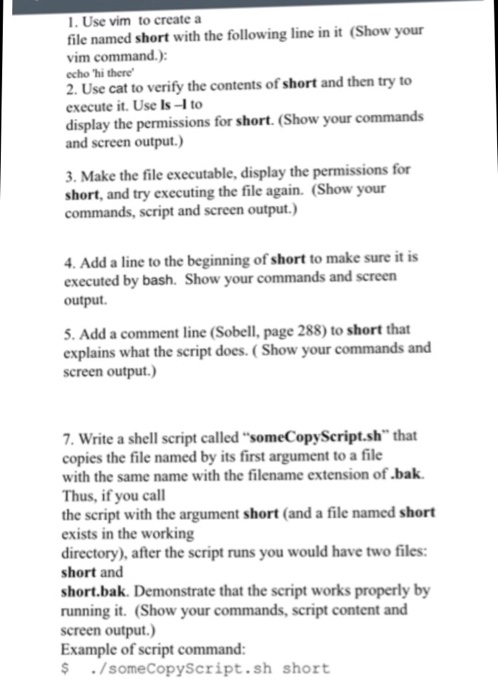
1. Use vim to create a file named short with the following line in it (Show your vim command.): echo hi there 2. Use cat to verify the contents of short and then try to execute it. Use ls-l to display the permissions for short. (Show your commands and screen output) 3. Make the file executable, display the permissions for short, and try executing the file again. (Show your commands, script and screen output.) 4. Add a line to the beginning of short to make sure it is executed by bash. Show your commands and screen output. 5. Add a comment line (Sobell, page 288) to short that explains what the script does. (Show your commands and screen output.) 7. Write a shell script called "someCopyScript.sh" that copies the file named by its first argument to a file with the same name with the filename extension of.bak Thus, if you call the script with the argument short (and a file named short exists in the working directory), after the script runs you would have two files: short and short.bak. Demonstrate that the script works properly by running it. (Show your commands, script content and screen output.) Example of script command: $/someCopyScript.sh short
Step by Step Solution
There are 3 Steps involved in it

Get step-by-step solutions from verified subject matter experts
 Study Help