







Question: 1. Using MATLAB or Octave enter >> diary your _lastname your firstname_hwl >>pwd Use find folder in ToolStrip change path and create a new folder
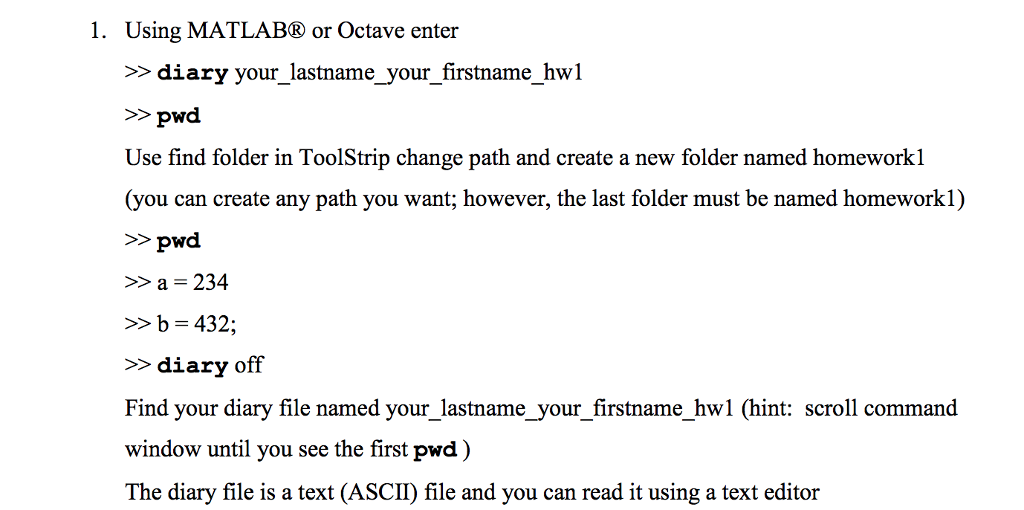
1. Using MATLAB or Octave enter >> diary your _lastname your firstname_hwl >>pwd Use find folder in ToolStrip change path and create a new folder named homeworkl (you can create any path you want; however, the last folder must be named homeworkl) >pwd a = 234 b 432; >diary off Find your diary file named your_lastname_your_firstname_hw1 (hint: scroll command window until you see the first pwd) The diary file is a text (ASCIID file and you can read it using a text editor 1. Using MATLAB or Octave enter >> diary your _lastname your firstname_hwl >>pwd Use find folder in ToolStrip change path and create a new folder named homeworkl (you can create any path you want; however, the last folder must be named homeworkl) >pwd a = 234 b 432; >diary off Find your diary file named your_lastname_your_firstname_hw1 (hint: scroll command window until you see the first pwd) The diary file is a text (ASCIID file and you can read it using a text editor
Step by Step Solution
There are 3 Steps involved in it

Get step-by-step solutions from verified subject matter experts
 Study Help