







Question: 1. Write a Python program, with header comments and explanatory comments in the code, that behaves as a simple calculator. It should do the following:
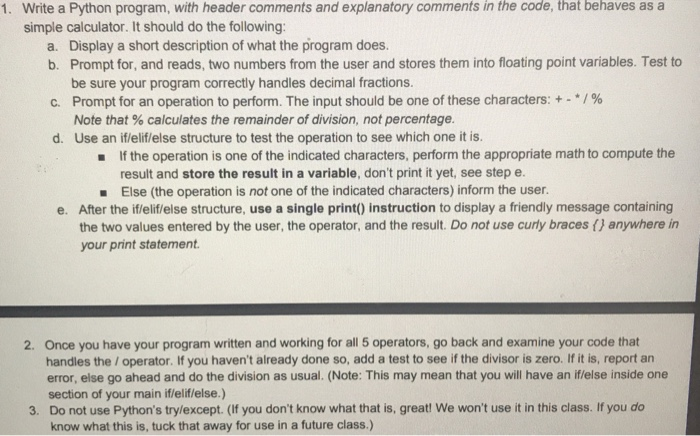
1. Write a Python program, with header comments and explanatory comments in the code, that behaves as a simple calculator. It should do the following: a. Display a short description of what the program does. b. Prompt for, and reads, two numbers from the user and stores them into floating point variables. Test to be sure your program correctly handles decimal fractions. C. Prompt for an operation to perform. The input should be one of these characters: + -*/% Note that % calculates the remainder of division, not percentage. d. Use an if/elif/else structure to test the operation to see which one it is. If the operation is one of the indicated characters, perform the appropriate math to compute the result and store the result in a variable, don't print it yet, see step e. Else (the operation is not one of the indicated characters) inform the user. e. After the if/elif/else structure, use a single print() instruction to display a friendly message containing the two values entered by the user, the operator, and the result. Do not use curly braces () anywhere in your print statement. 2. Once you have your program written and working for all 5 operators, go back and examine your code that handles the / operator. If you haven't already done so, add a test to see if the divisor is zero. If it is, report an error, else go ahead and do the division as usual. (Note: This may mean that you will have an if/else inside one section of your main iflelif/else.) 3. Do not use Python's try/except. (If you don't know what that is, great! We won't use it in this class. If you do know what this is, tuck that away for use in a future class.)
Step by Step Solution
There are 3 Steps involved in it

Get step-by-step solutions from verified subject matter experts
 Study Help