



Question: 10. How do you read values from the Arduino on the computer screen? (2pts) the 'View' button the Serial Monitor' button a. b, c. the
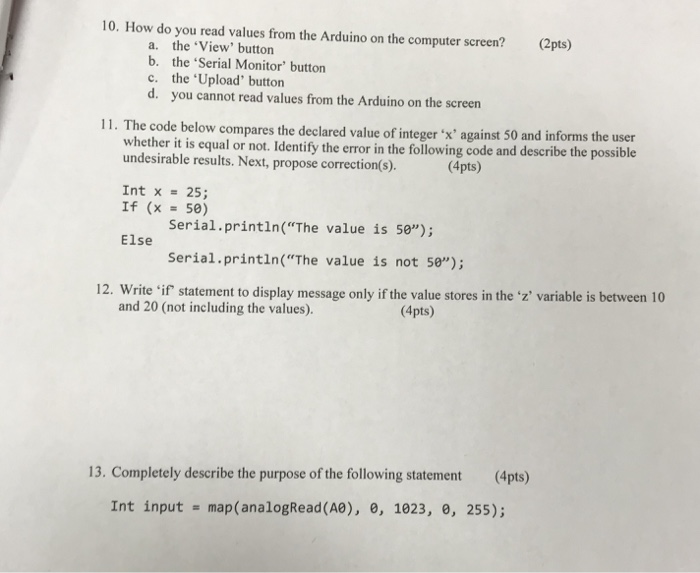
10. How do you read values from the Arduino on the computer screen? (2pts) the 'View' button the Serial Monitor' button a. b, c. the 'Upload' button d. you cannot read values from the Arduino on the screen 11 . The code below compares the declared value of integer' x against 50 and informs the user whether it is equal or not. Identify the error in the following code and describe the possible undesirable results. Next, propose correction(s). (4pts) Int x = 25; If (x=50) Serial.println("The value is 5e); serial.println("The value is not 5"); 12. Write if statement to display message only if the value stores in the z' variable is between 10 and 20 (not including the values). (4pts) 13. Completely describe the purpose of the following statement (4pts) Int input = map(analogRead(A0), 0, 1023, 0, 255)
Step by Step Solution
There are 3 Steps involved in it

Get step-by-step solutions from verified subject matter experts