







Question: 1.00 Point: XL Step 2.1.2: Use an Absolute Cell Reference in a Formula SIMS Share & - Find & Select QR In cell H5, enter
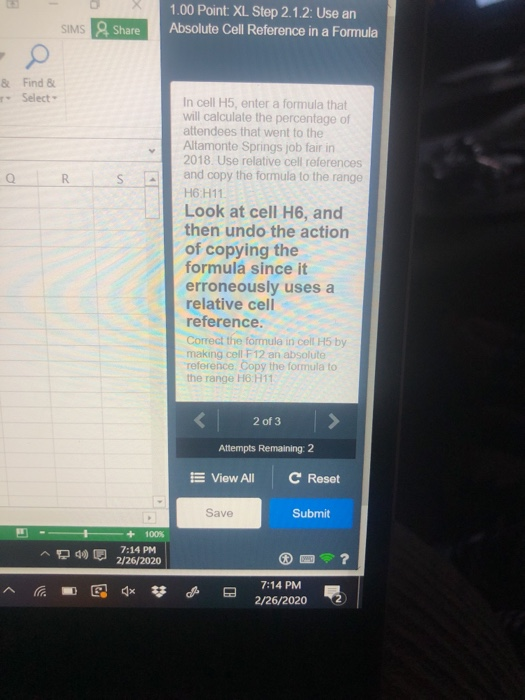
1.00 Point: XL Step 2.1.2: Use an Absolute Cell Reference in a Formula SIMS Share & - Find & Select QR In cell H5, enter a formula that will calculate the percentage of attendees that went to the Altamonte Springs job fair in 2018. Use relative cell references and copy the formula to the range H6 H11 Look at cell H6, and then undo the action of copying the formula since it erroneously uses a relative cell reference. Correct the formula in cell H5 by making cell F12 an absolute reference. Copy the formula to the range HH11
Step by Step Solution
There are 3 Steps involved in it
1 Expert Approved Answer
Step: 1 Unlock

Question Has Been Solved by an Expert!
Get step-by-step solutions from verified subject matter experts
Step: 2 Unlock
Step: 3 Unlock
 Study Help