





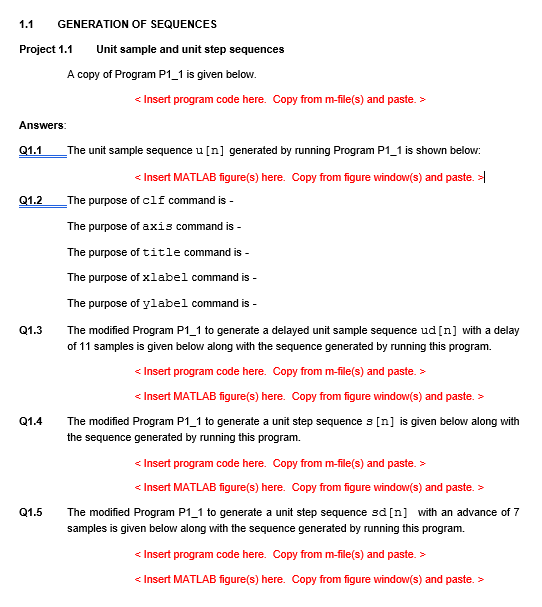
Question: 1.1 GENERATION OF SEQUENCES Project 1.1 Unit sample and unit step sequences A copy of Program P1_1 is given below. Answers Q1.1 Q1.2 Q1.3 _The
 1.1 GENERATION OF SEQUENCES Project 1.1 Unit sample and unit step

sequences A copy of Program P1_1 is given below. Answers Q1.1 Q1.2

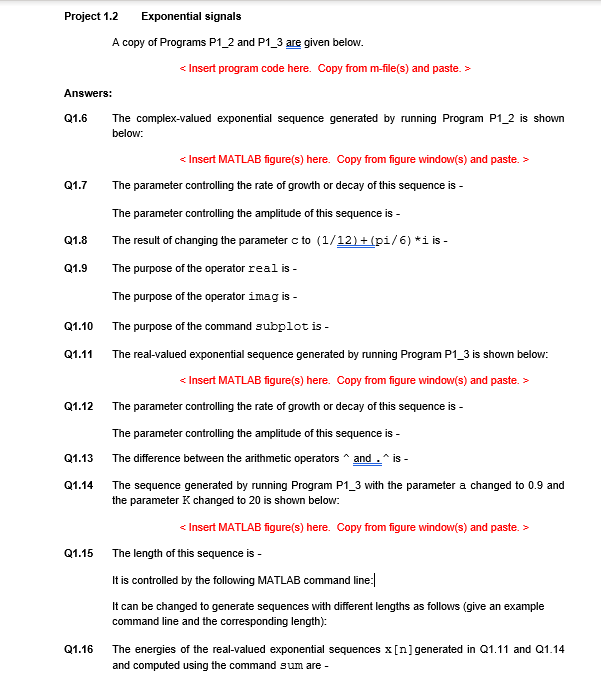
1.1 GENERATION OF SEQUENCES Project 1.1 Unit sample and unit step sequences A copy of Program P1_1 is given below. Answers Q1.1 Q1.2 Q1.3 _The unit sample sequence u[n] generated by running Program P1_1 is shown below: The modified Program P1_1 to generate a unit step sequence 3 [n] is given below along with the sequence generated by running this program. The modified Program P1_1 to generate a unit step sequence sd [n] with an advance of 7 samples is given below along with the sequence generated by running this program. Q1.4 Q1.5 Project 1.2 Exponential signals A copy of Programs P1_2 and P1_3 are given below. Answers: Q1.6 The complex-valued exponential sequence generated by running Program P1_2 is shown below: Q1.7 The parameter controlling the rate of growth or decay of this sequence is - The parameter controlling the amplitude of this sequence is - The result of changing the parameter c to (1/12) + (pi/6) *i is - Q1.9 The purpose of the operator real is - Q1.8 The purpose of the operator imag is - Q1.10 Q1.11 Q1.12 Q1.13 Q1.14 The purpose of the command subplot is - The real-valued exponential sequence generated by running Program P1_3 is shown below: The parameter controlling the rate of growth or decay of this sequence is - The parameter controlling the amplitude of this sequence is - The difference between the arithmetic operators and .is - The sequence generated by running Program P1_3 with the parameter a changed to 0.9 and the parameter K changed to 20 is shown below: The length of this sequence is - It is controlled by the following MATLAB command line: It can be changed to generate sequences with different lengths as follows (give an example command line and the corresponding length): The energies of the real-valued exponential sequences x[n] generated in Q1.11 and 01.14 and computed using the command sum are - Q1.15 Q1.16 1.1 GENERATION OF SEQUENCES Project 1.1 Unit sample and unit step sequences A copy of Program P1_1 is given below. Answers Q1.1 Q1.2 Q1.3 _The unit sample sequence u[n] generated by running Program P1_1 is shown below: The modified Program P1_1 to generate a unit step sequence 3 [n] is given below along with the sequence generated by running this program. The modified Program P1_1 to generate a unit step sequence sd [n] with an advance of 7 samples is given below along with the sequence generated by running this program. Q1.4 Q1.5 Project 1.2 Exponential signals A copy of Programs P1_2 and P1_3 are given below. Answers: Q1.6 The complex-valued exponential sequence generated by running Program P1_2 is shown below: Q1.7 The parameter controlling the rate of growth or decay of this sequence is - The parameter controlling the amplitude of this sequence is - The result of changing the parameter c to (1/12) + (pi/6) *i is - Q1.9 The purpose of the operator real is - Q1.8 The purpose of the operator imag is - Q1.10 Q1.11 Q1.12 Q1.13 Q1.14 The purpose of the command subplot is - The real-valued exponential sequence generated by running Program P1_3 is shown below: The parameter controlling the rate of growth or decay of this sequence is - The parameter controlling the amplitude of this sequence is - The difference between the arithmetic operators and .is - The sequence generated by running Program P1_3 with the parameter a changed to 0.9 and the parameter K changed to 20 is shown below: The length of this sequence is - It is controlled by the following MATLAB command line: It can be changed to generate sequences with different lengths as follows (give an example command line and the corresponding length): The energies of the real-valued exponential sequences x[n] generated in Q1.11 and 01.14 and computed using the command sum are - Q1.15 Q1.16

Step by Step Solution

There are 3 Steps involved in it

1 Expert Approved Answer
Step: 1 Unlock blur-text-image
Question Has Been Solved by an Expert!

Get step-by-step solutions from verified subject matter experts

Step: 2 Unlock
Step: 3 Unlock

Students Have Also Explored These Related Databases Questions!