







Question: 11. Open the tblClient table in Design View. Use the Input Mask Wizard to add an input mask to the Phone field. The input
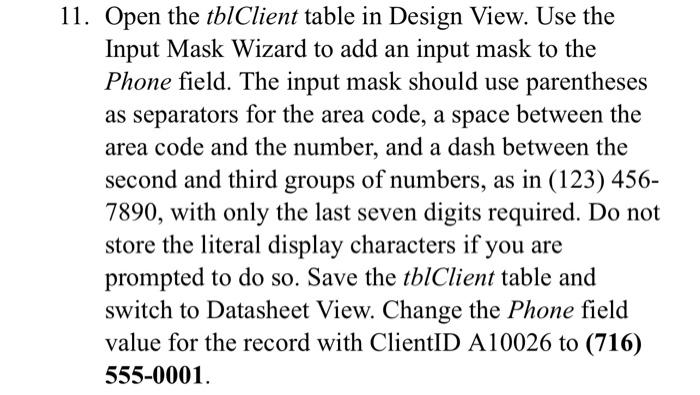
11. Open the tblClient table in Design View. Use the Input Mask Wizard to add an input mask to the Phone field. The input mask should use parentheses as separators for the area code, a space between the area code and the number, and a dash between the second and third groups of numbers, as in (123) 456- 7890, with only the last seven digits required. Do not store the literal display characters if you are prompted to do so. Save the tblClient table and switch to Datasheet View. Change the Phone field value for the record with ClientID A10026 to (716) 555-0001.
Step by Step Solution
There are 3 Steps involved in it

Get step-by-step solutions from verified subject matter experts
 Study Help