







Question: 12 ce Submitting a text entry box, a website url, a media recording, or a file upload WHAT: Gain familiarity with RStudio's interactive development
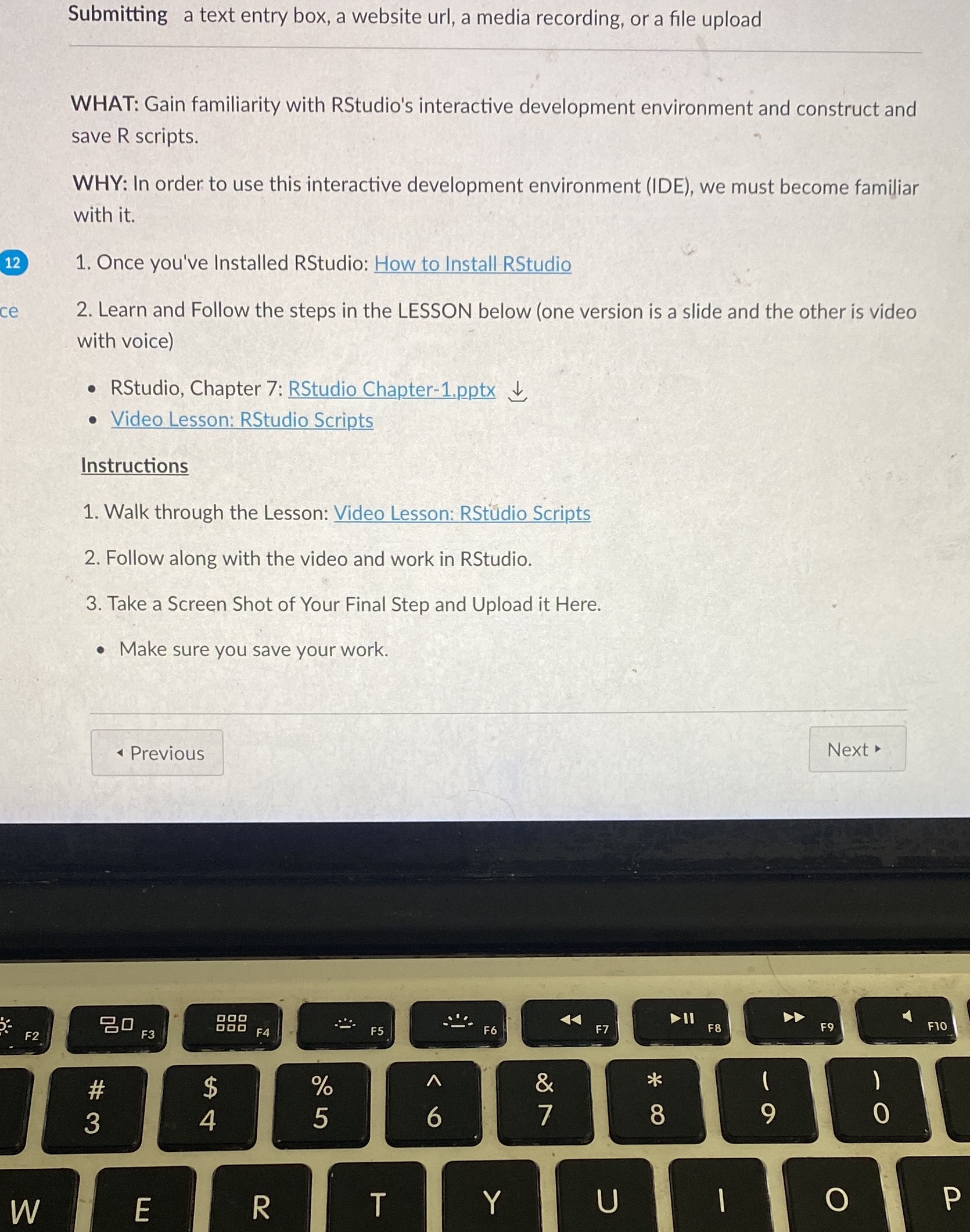
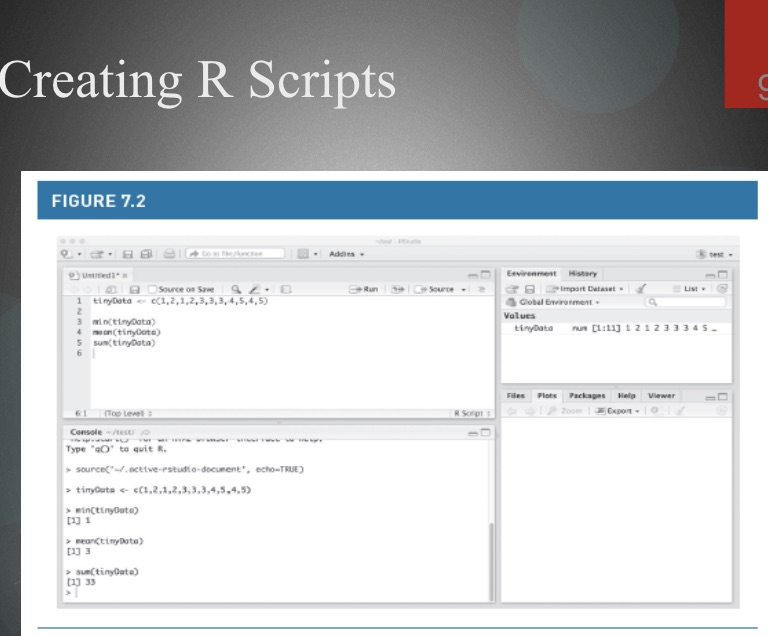
12 ce Submitting a text entry box, a website url, a media recording, or a file upload WHAT: Gain familiarity with RStudio's interactive development environment and construct and save R scripts. WHY: In order to use this interactive development environment (IDE), we must become familiar with it. 1. Once you've Installed RStudio: How to Install RStudio 2. Learn and Follow the steps in the LESSON below (one version is a slide and the other is video with voice) RStudio, Chapter 7: RStudio Chapter-1.pptx Video Lesson: RStudio Scripts Instructions 1. Walk through the Lesson: Video Lesson: RStudio Scripts 2. Follow along with the video and work in RStudio. 3. Take a Screen Shot of Your Final Step and Upload it Here. Make sure you save your work. * Previous F2 80 F3 000 $ 694 #3 F4 % 205 F5 F6 W E R T 6 Y A F7 F8 Next A F9 F10 & 29 ( 7 8 9 0 - O P Creating R Scripts FIGURE 7.2 Go to encree Addis- Untitled1 a Source on Savez. 1 tinyData c(1,2,1,2,1 3,4,5,4,5) 3 min(tinyData) 4 mean (tinyData) 5 sun(tinyData) 61 (Top Level: Console-test Type 'a' to quit R. > source(/.active-estudio-document", echo-TRUE) >tinyOuta c(1,2,1,2,3,3,3,4,5,4,5) >min(tinyDate) [1] 1 mean(tinyData) >sum(tinyData) [1] 33 Environment History test Run Source Import Dataset List Global Environment Values tinyData num [1:11] 1 2 1 845- R Script Files Plots Packages Help Viewer Zoom Export- C
Step by Step Solution
There are 3 Steps involved in it

Get step-by-step solutions from verified subject matter experts
 Study Help