







Question: 14 Points - PMT Function with 3D Referencing: 1. Go back to the data you created on the first worksheet. Underneath the table, but only
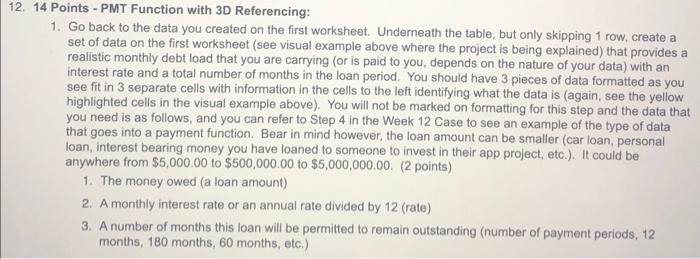
14 Points - PMT Function with 3D Referencing: 1. Go back to the data you created on the first worksheet. Underneath the table, but only skipping 1 row, create a set of data on the first worksheet (see visual example above where the project is being explained) that provides a realistic monthly debt load that you are carrying (or is paid to you, depends on the nature of your data) with an interest rate and a total number of months in the loan period. You should have 3 pieces of data formatted as you see fit in 3 separate cells with information in the cells to the left identifying what the data is (again, see the yellow highlighted cells in the visual example above). You will not be marked on formatting for this step and the data that you need is as follows, and you can refer to Step 4 in the Week 12 Case to see an example of the type of data that goes into a payment function. Bear in mind however, the loan amount can be smaller (car loan, personal loan, interest bearing money you have loaned to someone to invest in their app project, etc.). It could be anywhere from $5,000.00 to $500,000.00 to $5,000,000.00. (2 points) 1. The money owed (a loan amount) 2. A monthly interest rate or an annual rate divided by 12 (rate) 3. A number of months this loan will be permitted to remain outstanding (number of payment periods, 12 months, 180 months, 60 months, etc.)
Step by Step Solution
There are 3 Steps involved in it

Get step-by-step solutions from verified subject matter experts
 Study Help