



Question: 14. Solve for the percentage error at each position. [theoretcal value - experimental value % error x100 theoretcal value 15. Show sample computation for the
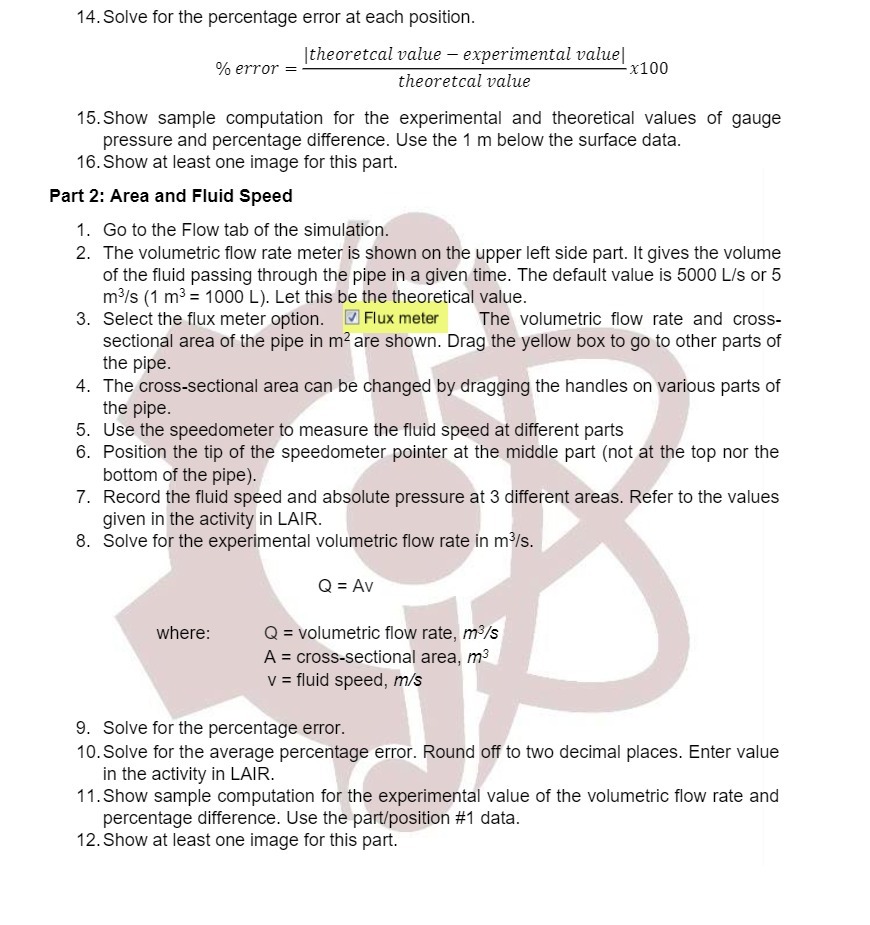
14. Solve for the percentage error at each position. [theoretcal value - experimental value % error x100 theoretcal value 15. Show sample computation for the experimental and theoretical values of gauge pressure and percentage difference. Use the 1 m below the surface data. 16. Show at least one image for this part. Part 2: Area and Fluid Speed 1. Go to the Flow tab of the simulation. 2. The volumetric flow rate meter is shown on the upper left side part. It gives the volume of the fluid passing through the pipe in a given time. The default value is 5000 L/s or 5 m /s (1 m3 = 1000 L). Let this be the theoretical value 3. Select the flux meter option. Flux meter The volumetric flow rate and cross- sectional area of the pipe in m are shown. Drag the yellow box to go to other parts of the pipe. 4. The cross-sectional area can be changed by dragging the handles on various parts of the pipe. 5. Use the speedometer to measure the fluid speed at different parts 6. Position the tip of the speedometer pointer at the middle part (not at the top nor the bottom of the pipe). 7. Record the fluid speed and absolute pressure at 3 different areas. Refer to the values given in the activity in LAIR. 8. Solve for the experimental volumetric flow rate in m3/s. Q = Av where: Q = volumetric flow rate, m3/s A = cross-sectional area, m3 v = fluid speed, m/s 9. Solve for the percentage error. 10. Solve for the average percentage error. Round off to two decimal places. Enter value in the activity in LAIR. 11. Show sample computation for the experimental value of the volumetric flow rate and percentage difference. Use the part/position #1 data. 12. Show at least one image for this part
Step by Step Solution
There are 3 Steps involved in it

Get step-by-step solutions from verified subject matter experts