







Question: 15. Complete the Analysis section using formulas with statistical functions. Use named ranges instead of cell relerences in the formulas. a. Price b. MPG City
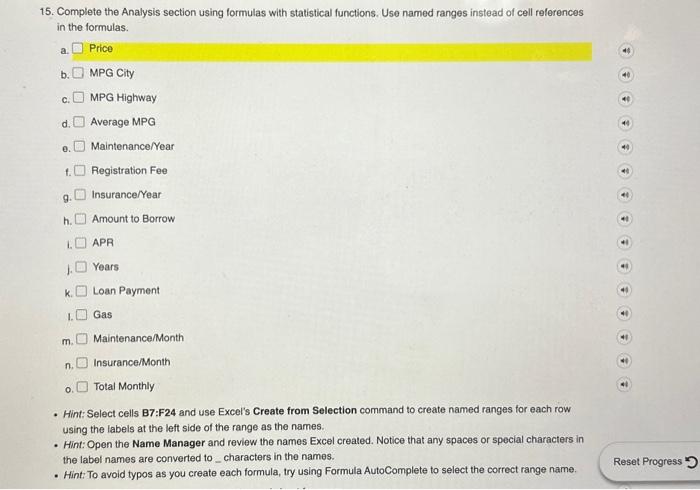
15. Complete the Analysis section using formulas with statistical functions. Use named ranges instead of cell relerences in the formulas. a. Price b. MPG City c. MPG Highway d. Average MPG e. Maintenance/Year t. Registration Fee g. Insurance/Year h. Amount to Borrow 1. APR 1. Years k. Loan Payment 1. Gas m. Maintenance/Month . Insurance/Month o. Total Monthly - Hint: Select cells B7:F24 and use Excel's Create from Selection command to create named ranges for each row using the labels at the left side of the range as the names. - Hint: Open the Name Manager and review the names Excel created. Notice that any spaces or special characters in the label names are converted to _ characters in the names. - Hint: To avoid typos as you create each formula, try using Formula AutoComplete to select the correct range name
Step by Step Solution
There are 3 Steps involved in it

Get step-by-step solutions from verified subject matter experts
 Study Help