







Question: 16.14 Lab 6B: printing a binary number This lab asks you to use string formatting to print a binary number. First you will prompt the
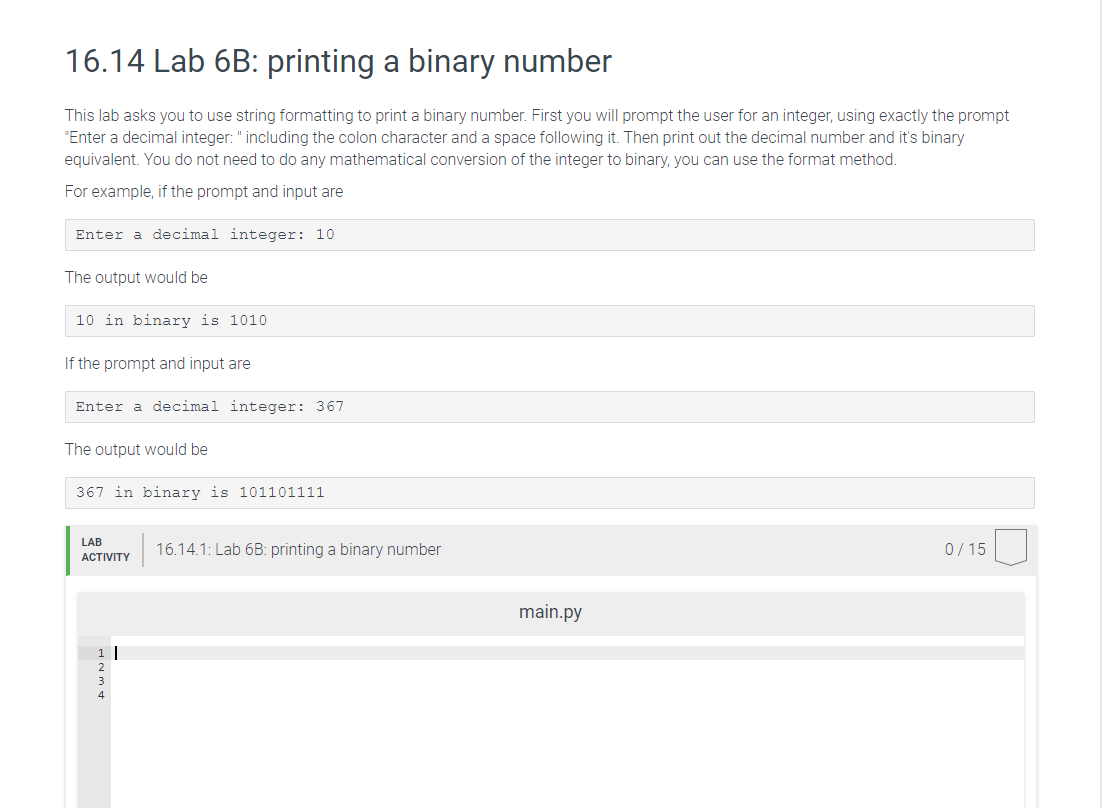
16.14 Lab 6B: printing a binary number This lab asks you to use string formatting to print a binary number. First you will prompt the user for an integer, using exactly the prompt "Enter a decimal integer: "including the colon character and a space following it. Then print out the decimal number and it's binary equivalent. You do not need to do any mathematical conversion of the integer to binary, you can use the format method For example, if the prompt and input are Enter a decimal integer: 10 The output would be 10 in binary is 1010 If the prompt and input are Enter a decimal integer: 367 The output would be 367 in binary is 101101111 LAB ACTIVITY 16.14.1: Lab 6B: printing a binary number 0/150 main.py Hamt
Step by Step Solution
There are 3 Steps involved in it

Get step-by-step solutions from verified subject matter experts
 Study Help