



Question: 17. In AutoCAD, when you're saving a template that you've created for future use, which of the following file-type options should you choose? A. *.dwt
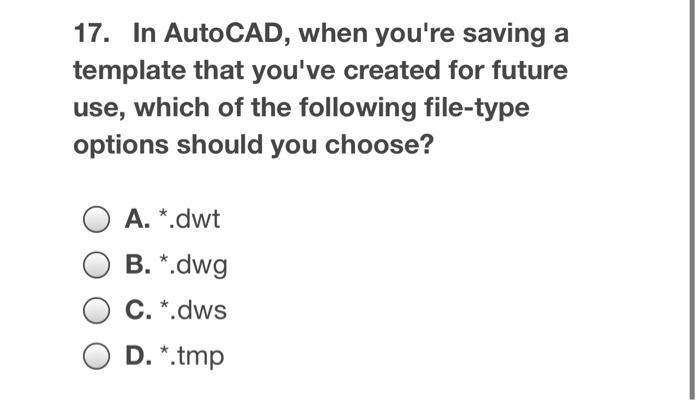
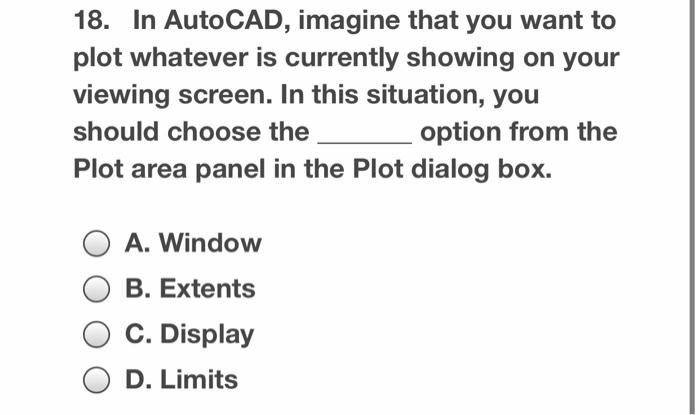
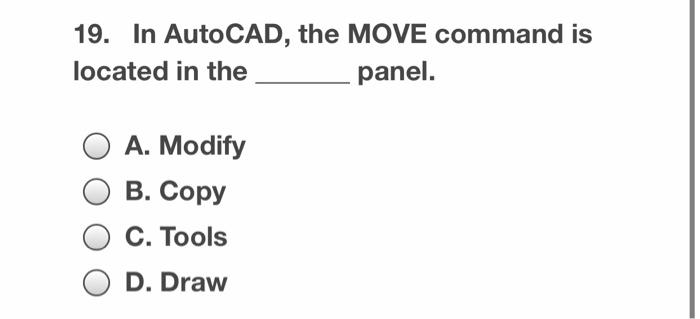
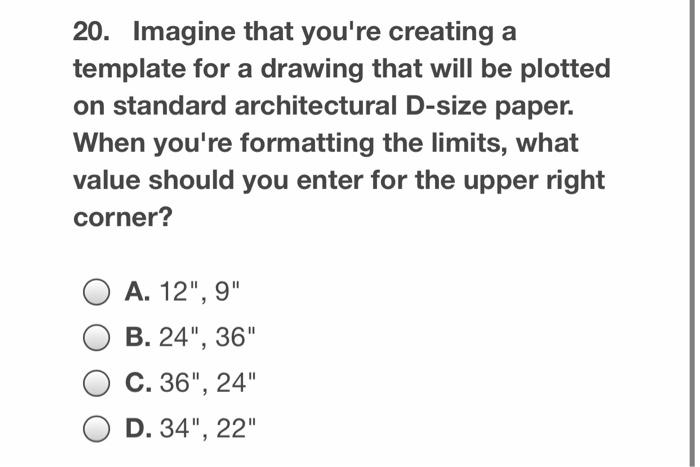
17. In AutoCAD, when you're saving a template that you've created for future use, which of the following file-type options should you choose? A. *.dwt B. *.dwg C. *.dws D. *.tmp 18. In AutoCAD, imagine that you want to plot whatever is currently showing on your viewing screen. In this situation, you should choose the option from the Plot area panel in the Plot dialog box. A. Window B. Extents C. Display D. Limits 19. In AutoCAD, the MOVE command is located in the panel. A. Modify B. Copy C. Tools D. Draw 20. Imagine that you're creating a template for a drawing that will be plotted on standard architectural D-size paper. When you're formatting the limits, what value should you enter for the upper right corner? A. 12", 9" B. 24", 36" C. 36", 24" O D. 34", 22
Step by Step Solution
There are 3 Steps involved in it

Get step-by-step solutions from verified subject matter experts