



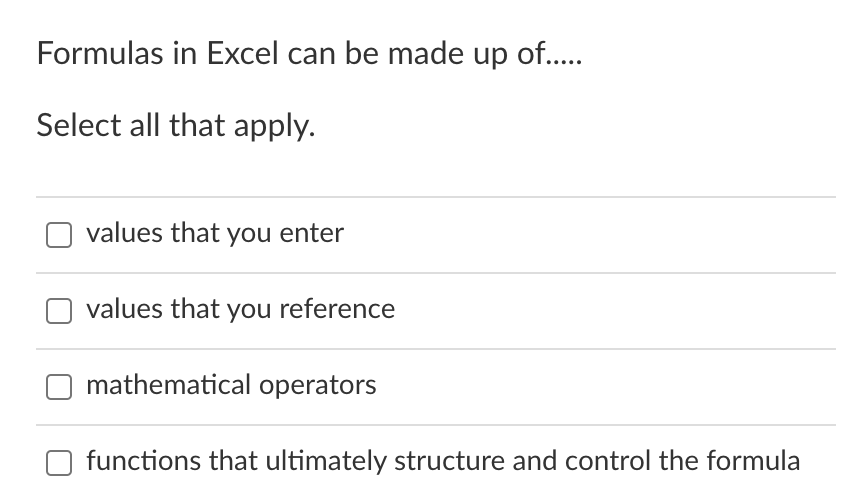
Question: 1a. 1b. 1c. 1d. Formulas in Excel can be made up of..... Select all that apply. values that you enter values that you reference mathematical
1a.
1b.
 1c.
1c.
1d.
![reference type to its description. Relative reference [Choose ] Absolute reference [Choose](https://dsd5zvtm8ll6.cloudfront.net/si.experts.images/questions/2024/10/67141598bd2ae_496671415985f4a0.jpg)
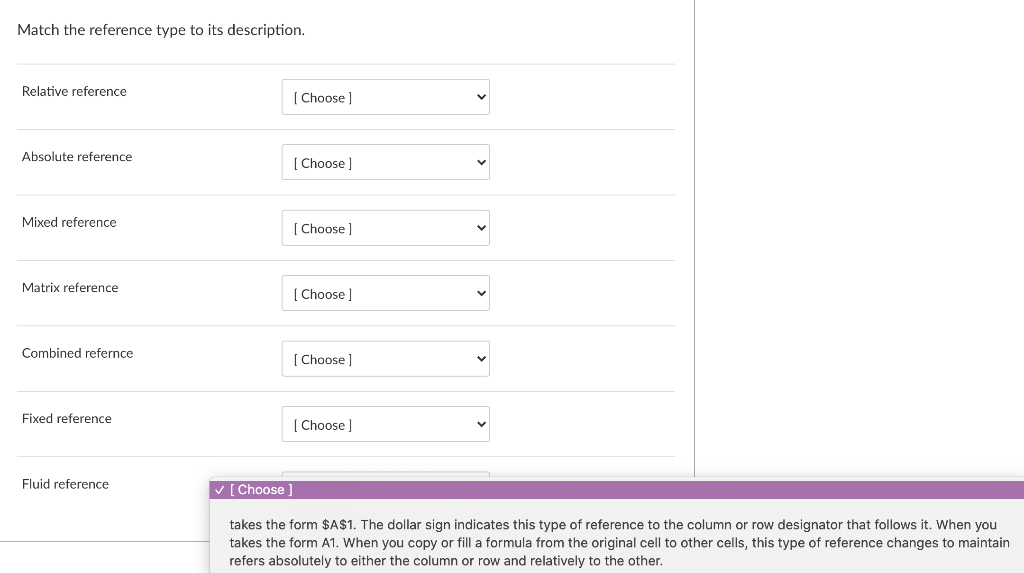
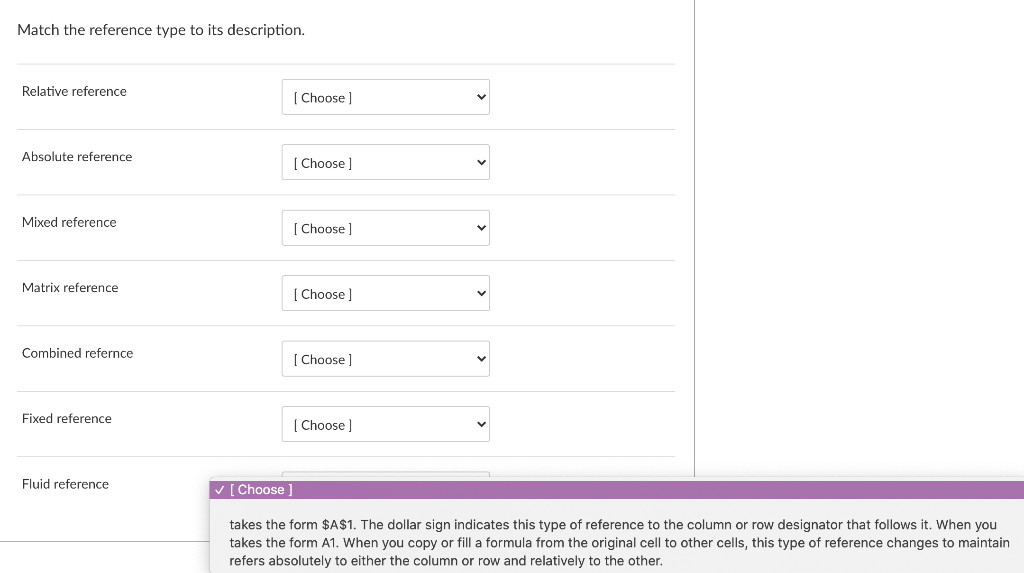
Formulas in Excel can be made up of..... Select all that apply. values that you enter values that you reference mathematical operators functions that ultimately structure and control the formula Match the reference type to its description. Relative reference [Choose ] Absolute reference [Choose ] Mixed reference [Choose Matrix reference [Choose ] > Combined refernce [Choose ] Fixed reference [Choose Fluid reference Choose ] takes the form $A$1. The dollar sign indicates this type of reference to the column or row designator that follows it. When you takes the form A1. When you copy or fill a formula from the original cell to other cells, this type of reference changes to maintain refers absolutely to either the column or row and relatively to the other. Match the reference type to its description. Relative reference [Choose ] Absolute reference [Choose ] Mixed reference [Choose Matrix reference [Choose ] > Combined refernce [Choose ] Fixed reference [Choose Fluid reference Choose ] takes the form $A$1. The dollar sign indicates this type of reference to the column or row designator that follows it. When you takes the form A1. When you copy or fill a formula from the original cell to other cells, this type of reference changes to maintain refers absolutely to either the column or row and relatively to the other. When referencing a range of cells in a formula, the cell references can be relative, absolute, or mixed. O True False
Step by Step Solution
There are 3 Steps involved in it

Get step-by-step solutions from verified subject matter experts