







Question: 1-Open the project from in-class assignment #1(Area and Perimeter) 2-Create a class name rectangle and store it in a rectangle package 3-In the rectangle class,
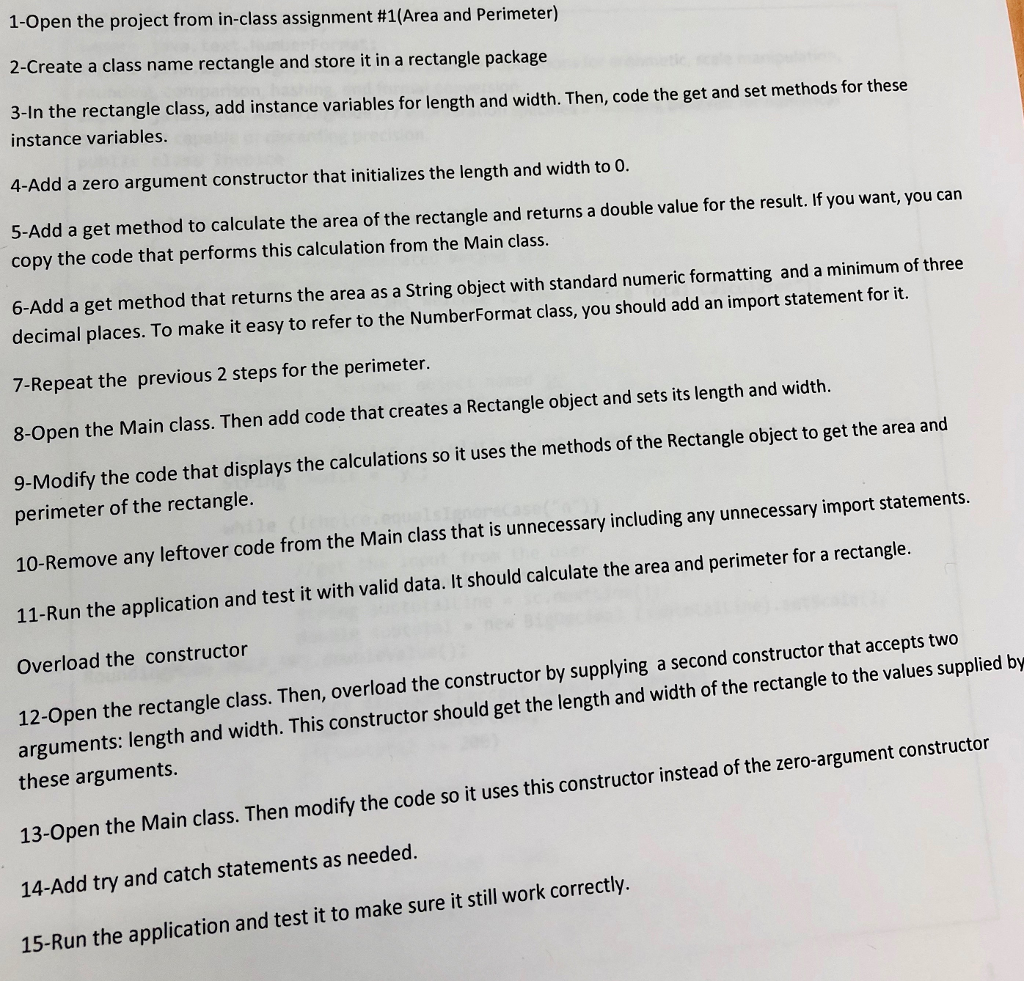
1-Open the project from in-class assignment #1(Area and Perimeter) 2-Create a class name rectangle and store it in a rectangle package 3-In the rectangle class, add instance variables for length and width. Then, code the get and set methods for these instance variables. 4-Add a zero argument constructor that initializes the length and width to O 5-Add a get method to calculate the area of the rectangle and returns a double value for the result. If you want, you can copy the code that performs this calculation from the Main class. 6-Add a get method that returns the area as a String object with standard numeric formatting and a minimum of three decimal places. To make it easy to refer to the NumberFormat class, you should add an import statement for it. 7-Repeat the previous 2 steps for the perimeter. 8-Open the Main class. Then add code that creates a Rectangle object and sets its length and width. 9-Modify the code that displays the calculations so it uses the methods of the Rectangle object to get the area and perimeter of the rectangle. 10-Remove any leftover code from the Main class that is unnecessary including any unnecessary import statements. 11-Run the application and test it with valid data. It should calculate the area and perimeter for a rectangle. Overload the constructor 12-Open the rectangle class. Then, overload the constructor by supplying a second constructor that accepts two arguments: length and width. This constructor should get the length and width of the rectangle to the values supplied by these arguments. 13-Open the Main class. Then modify the code so it uses this constructor instead of the zero-argument constructor 14-Add try and catch statements as needed. 15-Run the application and test it to make sure it still work correctly. 1-Open the project from in-class assignment #1(Area and Perimeter) 2-Create a class name rectangle and store it in a rectangle package 3-In the rectangle class, add instance variables for length and width. Then, code the get and set methods for these instance variables. 4-Add a zero argument constructor that initializes the length and width to O 5-Add a get method to calculate the area of the rectangle and returns a double value for the result. If you want, you can copy the code that performs this calculation from the Main class. 6-Add a get method that returns the area as a String object with standard numeric formatting and a minimum of three decimal places. To make it easy to refer to the NumberFormat class, you should add an import statement for it. 7-Repeat the previous 2 steps for the perimeter. 8-Open the Main class. Then add code that creates a Rectangle object and sets its length and width. 9-Modify the code that displays the calculations so it uses the methods of the Rectangle object to get the area and perimeter of the rectangle. 10-Remove any leftover code from the Main class that is unnecessary including any unnecessary import statements. 11-Run the application and test it with valid data. It should calculate the area and perimeter for a rectangle. Overload the constructor 12-Open the rectangle class. Then, overload the constructor by supplying a second constructor that accepts two arguments: length and width. This constructor should get the length and width of the rectangle to the values supplied by these arguments. 13-Open the Main class. Then modify the code so it uses this constructor instead of the zero-argument constructor 14-Add try and catch statements as needed. 15-Run the application and test it to make sure it still work correctly
Step by Step Solution
There are 3 Steps involved in it

Get step-by-step solutions from verified subject matter experts
 Study Help