







Question: 1.Write matlab code with function blueScreen(image_file_name, background_image_file_name, color, Threshold) function which takes in 4 parameters as shown. 2. Your program should take as input 2
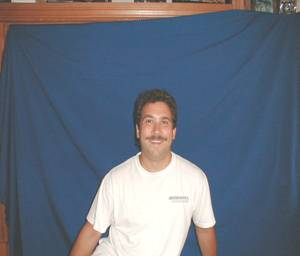
1.Write matlab code with function blueScreen(image_file_name, background_image_file_name, color, Threshold) function which takes in 4 parameters as shown. 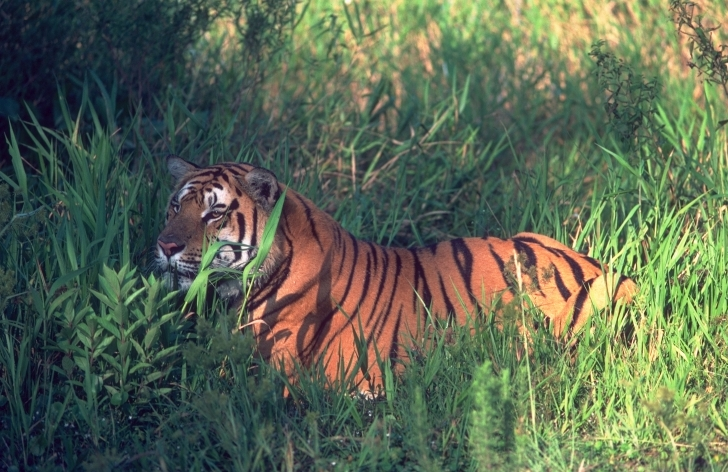
2. Your program should take as input 2 RGB color images (image_file_name = has the blue screen), (background_image_file_name = is the background image to replace the blue screen), color to change, and the distance measure (Threshold) of similar colors to change. Note that the variable color is a vector of 3 numbers [R,G,B].
3. Test your function on a bluescreen image taken of yourself.
4. Use Xnview (https://www.xnview.com/) to find the proper values of the [R,G,B] color to replace.
test program on the following pictures:
Step by Step Solution
There are 3 Steps involved in it

Get step-by-step solutions from verified subject matter experts
 Study Help