







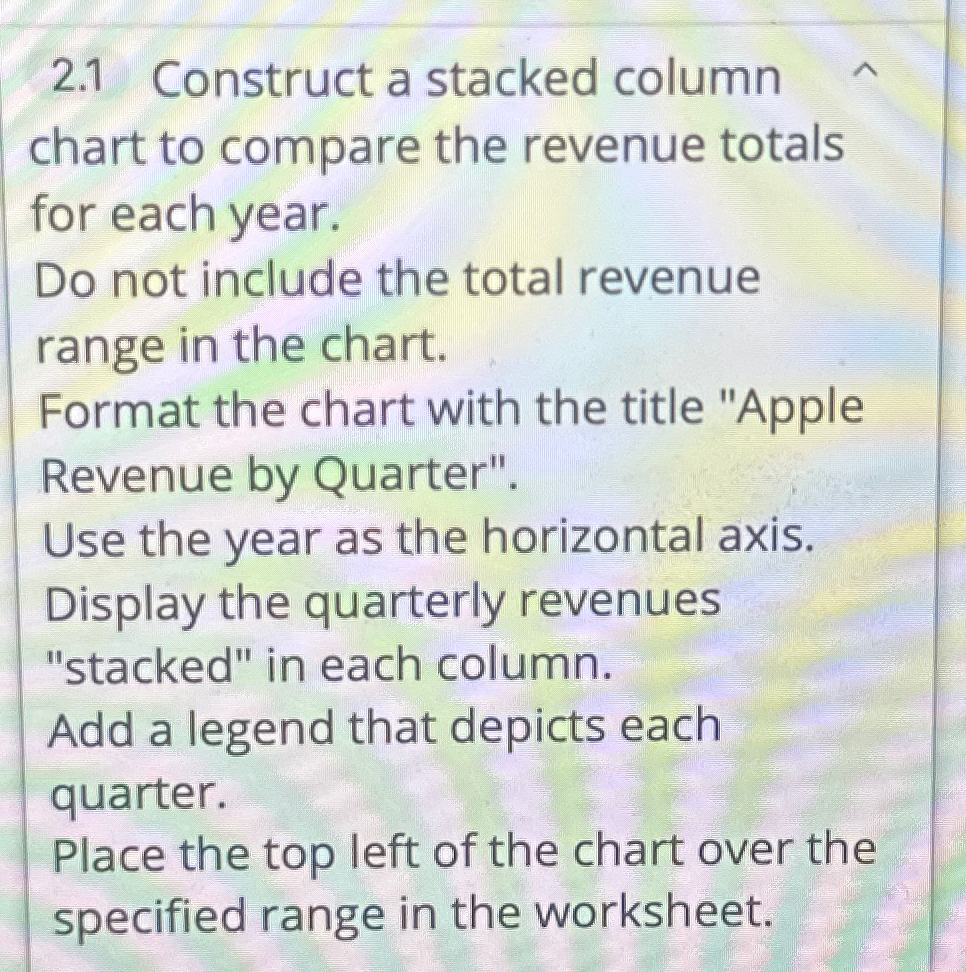
Question: 2 . 1 Construct a stacked column chart to compare the revenue totals for each year. Do not include the total revenue range in the
Construct a stacked column chart to compare the revenue totals for each year.
Do not include the total revenue range in the chart.
Format the chart with the title "Apple Revenue by Quarter".
Use the year as the horizontal axis. Display the quarterly revenues "stacked" in each column.
Add a legend that depicts each quarter.
Place the top left of the chart over the specified range in the worksheet.
Step by Step Solution
There are 3 Steps involved in it
1 Expert Approved Answer
Step: 1 Unlock

Question Has Been Solved by an Expert!
Get step-by-step solutions from verified subject matter experts
Step: 2 Unlock
Step: 3 Unlock
 Study Help