







Question: 2 . 2 Subtask Two Second, we need to design the logic to control the states ( ON / OFF ) of each segment in
Subtask Two
Second, we need to design the logic to control the states ONOFF of each segment in the Segment display. As
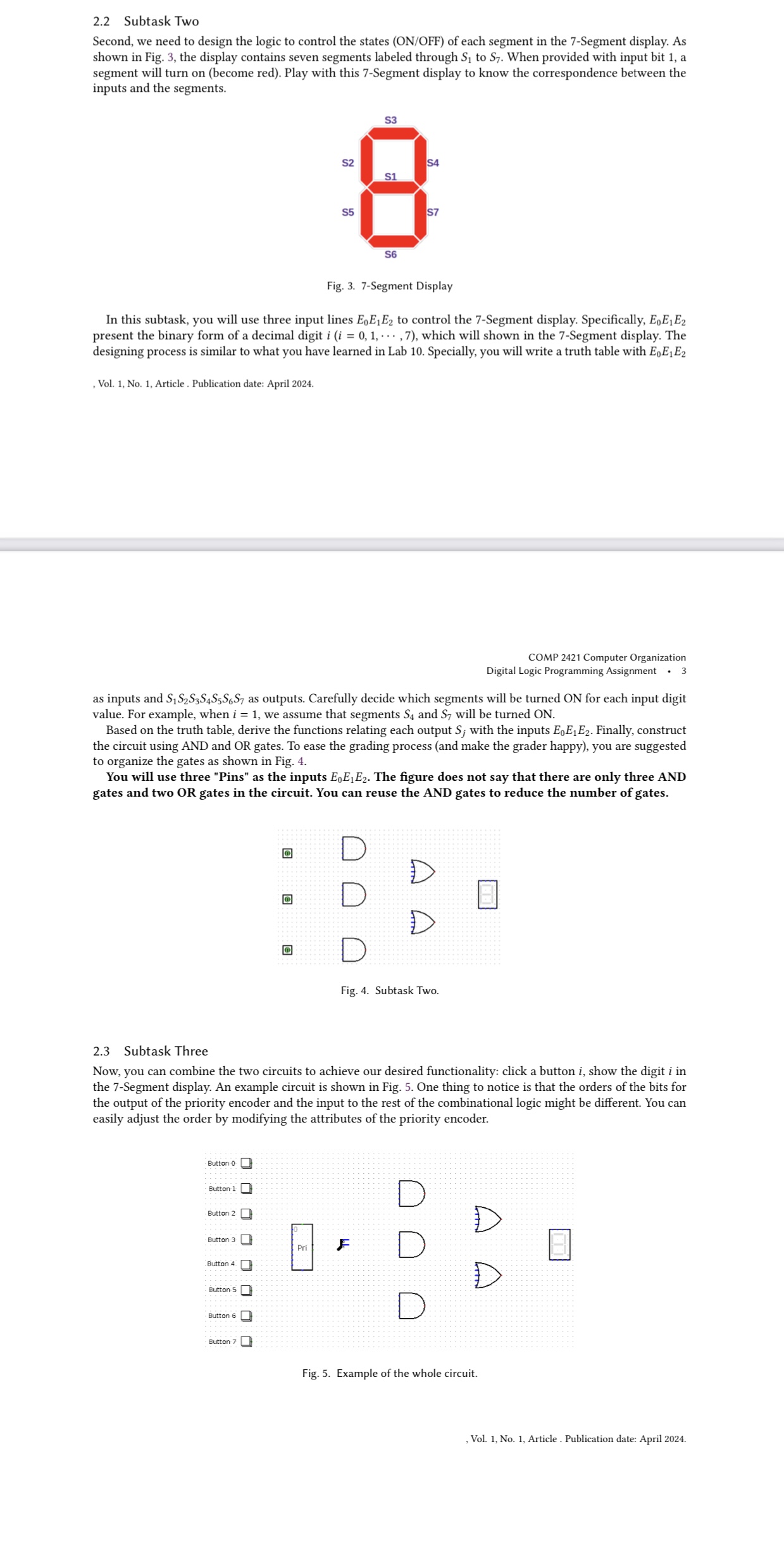
shown in Fig. the display contains seven segments labeled through to When provided with input bit a
segment will turn on become red Play with this Segment display to know the correspondence between the
inputs and the segments.
rig. segment vispiay
In this subtask, you will use three input lines to control the Segment display. Specifically,
present the binary form of a decimal digit cdots, which will shown in the Segment display. The
designing process is similar to what you have learned in Lab Specially, you will write a truth table with
Vol. No Article Publication date: April
as inputs and as outputs. Carefully decide which segments will be turned ON for each input digit
value. For example, when we assume that segments and will be turned ON
Based on the truth table, derive the functions relating each output with the inputs Finally, construct
the circuit using AND and OR gates. To ease the grading process and make the grader happy you are suggested
to organize the gates as shown in Fig.
You will use three "Pins" as the inputs The figure does not say that there are only three AND
gates and two OR gates in the circuit. You can reuse the AND gates to reduce the number of gates.
Subtask Three
Now, you can combine the two circuits to achieve our desired functionality: click a button show the digit in
the Segment display. An example circuit is shown in Fig. One thing to notice is that the orders of the bits for
the output of the priority encoder and the input to the rest of the combinational logic might be different. You can
easily adjust the order by modifying the attributes of the priority encoder.
Step by Step Solution
There are 3 Steps involved in it
1 Expert Approved Answer
Step: 1 Unlock

Question Has Been Solved by an Expert!
Get step-by-step solutions from verified subject matter experts
Step: 2 Unlock
Step: 3 Unlock
 Study Help