







Question: 2. Create a batch file that, when run, accepts three parameters: the names of three files, where the first two are checked to see if
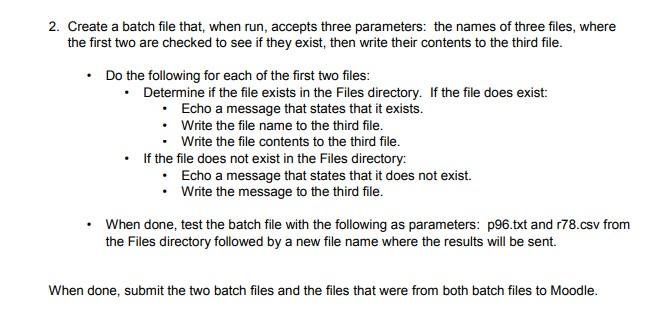
2. Create a batch file that, when run, accepts three parameters: the names of three files, where the first two are checked to see if they exist, then write their contents to the third file. Do the following for each of the first two files: Determine if the file exists in the files directory. If the file does exist: Echo a message that states that it exists. Write the file name to the third file. Write the file contents to the third file. If the file does not exist in the Files directory: Echo a message that states that it does not exist. Write the message to the third file. When done, test the batch file with the following as parameters: p96.txt and 178.csv from the Files directory followed by a new file name where the results will be sent. When done, submit the two batch files and the files that were from both batch files to Moodle. 2. Create a batch file that, when run, accepts three parameters: the names of three files, where the first two are checked to see if they exist, then write their contents to the third file. Do the following for each of the first two files: Determine if the file exists in the files directory. If the file does exist: Echo a message that states that it exists. Write the file name to the third file. Write the file contents to the third file. If the file does not exist in the Files directory: Echo a message that states that it does not exist. Write the message to the third file. When done, test the batch file with the following as parameters: p96.txt and 178.csv from the Files directory followed by a new file name where the results will be sent. When done, submit the two batch files and the files that were from both batch files to Moodle
Step by Step Solution
There are 3 Steps involved in it

Get step-by-step solutions from verified subject matter experts
 Study Help