







Question: 2 . Create a Script: Open vi or nano and create a script called Information. Add the following commands to the script using echo to
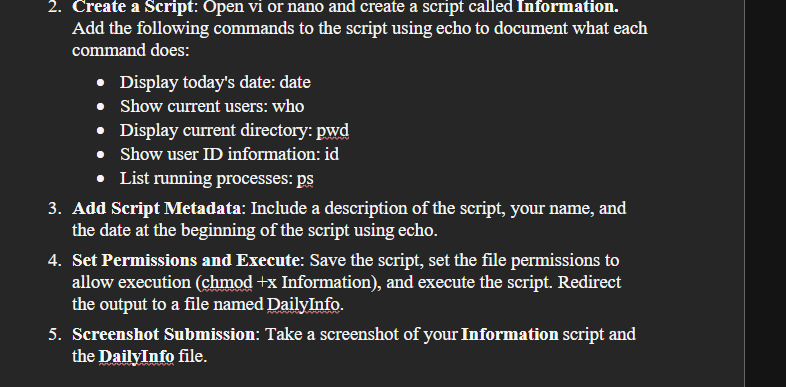
Create a Script: Open vi or nano and create a script called Information.
Add the following commands to the script using echo to document what each command does:
Display today's date: date
Show current users: who
Display current directory: pwd
Show user ID information: id
List running processes: ps
Add Script Metadata: Include a description of the script, your name, and the date at the beginning of the script using echo.
Set Permissions and Execute: Save the script, set the file permissions to allow execution chmod x Information and execute the script. Redirect the output to a file named DailyInfo.
Screenshot Submission: Take a screenshot of your Information script and the DailyInfo file.
Step by Step Solution
There are 3 Steps involved in it
1 Expert Approved Answer
Step: 1 Unlock

Question Has Been Solved by an Expert!
Get step-by-step solutions from verified subject matter experts
Step: 2 Unlock
Step: 3 Unlock
 Study Help