



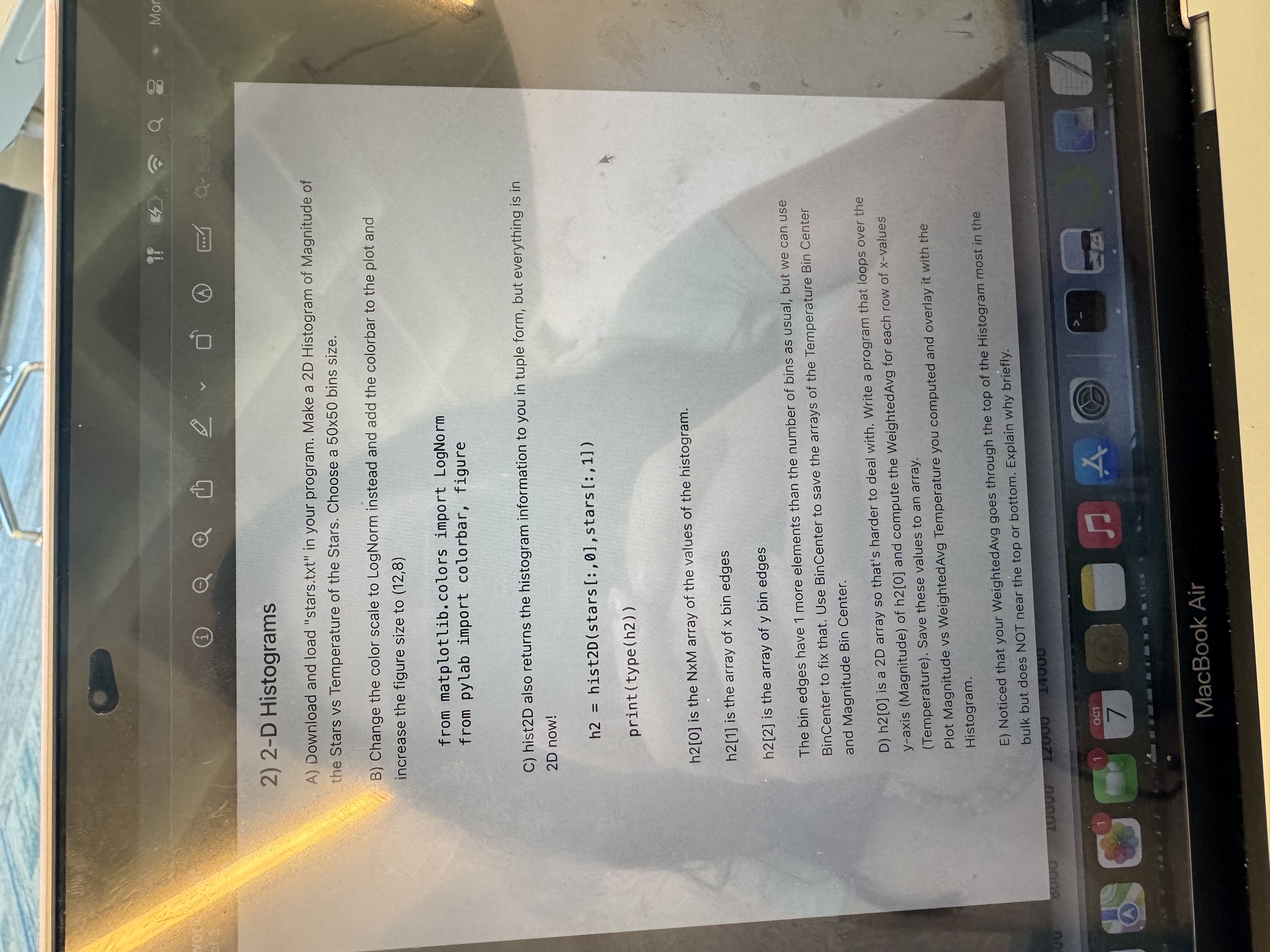
Question: 2 - D Histograms A ) Download and load stars.txt in your program. Make a 2 D Histogram of Magnitude of the Stars vs
D Histograms
A Download and load "stars.txt in your program. Make a D Histogram of Magnitude of
the Stars vs Temperature of the Stars. Choose a bins size.
B Change the color scale to LogNorm instead and add the colorbar to the plot and
increase the figure size to
from matplotlib. colors import LogNorm
from pylab import colorbar, figure
C histD also returns the histogram information to you in tuple form, but everything is in
D now!
hist:stars:
is the NxM array of the values of the histogram.
is the array of bin edges
is the array of bin edges
The bin edges have more elements than the number of bins as usual, but we can use
BinCenter to fix that. Use BinCenter to save the arrays of the Temperature Bin Center
and Magnitude Bin Center.
D is a D array so that's harder to deal with. Write a program that loops over the
axis Magnitude of h and compute the WeightedAvg for each row of values
Temperature Save these values to an array.
Plot Magnitude vs WeightedAvg Temperature you computed and overlay it with the
Histogram.
E Noticed that your WeightedAvg goes through the top of the Histogram most in the
bulk but does NOT near the top or bottom. Explain why briefly.
stars.txt
Step by Step Solution
There are 3 Steps involved in it
1 Expert Approved Answer
Step: 1 Unlock

Question Has Been Solved by an Expert!
Get step-by-step solutions from verified subject matter experts
Step: 2 Unlock
Step: 3 Unlock