







Question: 2 Drawing Curves 2.1 Go through the Processing tutorial on Drawing Curves: http://www.processing.org/learning/curves/ 2.2 Create a program in Processing that randomly selects coordinates for 4
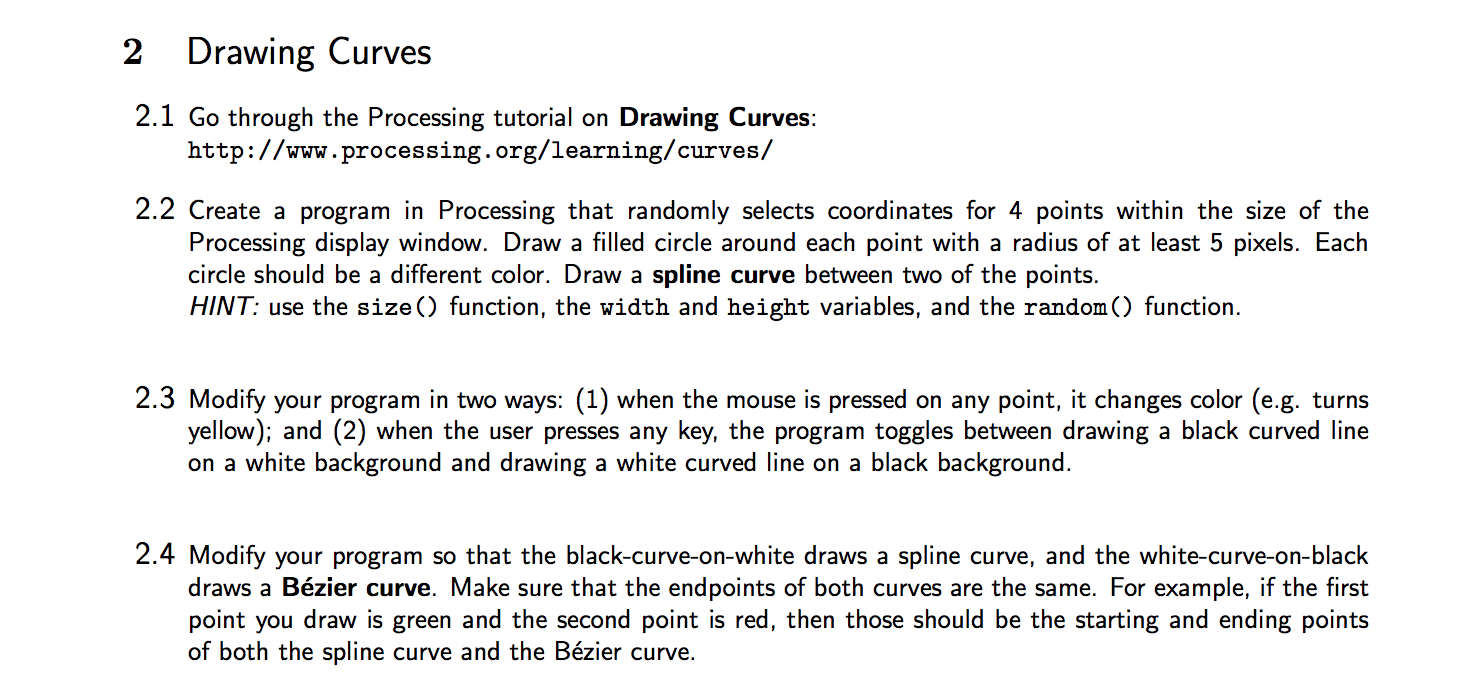
2 Drawing Curves 2.1 Go through the Processing tutorial on Drawing Curves: http://www.processing.org/learning/curves/ 2.2 Create a program in Processing that randomly selects coordinates for 4 points within the size of the Processing display window. Draw a filled circle around each point with a radius of at least 5 pixels. Each circle should be a different color. Draw a spline curve between two of the points. HINT: use the size () function, the width and height variables, and the random() function. 2.3 Modify your program in two ways: (1) when the mouse is pressed on any point, it changes color (e.g. turns yellow); and (2) when the user presses any key, the program toggles between drawing a black curved line on a white background and drawing a white curved line on a black background. 2.4 Modify your program so that the black-curve-on-white draws a spline curve, and the white-curve-on-black draws a Bzier curve. Make sure that the endpoints of both curves are the same. For example, if the first point you draw is green and the second point is red, then those should be the starting and ending points of both the spline curve and the Bzier curve. 2 Drawing Curves 2.1 Go through the Processing tutorial on Drawing Curves: http://www.processing.org/learning/curves/ 2.2 Create a program in Processing that randomly selects coordinates for 4 points within the size of the Processing display window. Draw a filled circle around each point with a radius of at least 5 pixels. Each circle should be a different color. Draw a spline curve between two of the points. HINT: use the size () function, the width and height variables, and the random() function. 2.3 Modify your program in two ways: (1) when the mouse is pressed on any point, it changes color (e.g. turns yellow); and (2) when the user presses any key, the program toggles between drawing a black curved line on a white background and drawing a white curved line on a black background. 2.4 Modify your program so that the black-curve-on-white draws a spline curve, and the white-curve-on-black draws a Bzier curve. Make sure that the endpoints of both curves are the same. For example, if the first point you draw is green and the second point is red, then those should be the starting and ending points of both the spline curve and the Bzier curve
Step by Step Solution
There are 3 Steps involved in it

Get step-by-step solutions from verified subject matter experts
 Study Help