







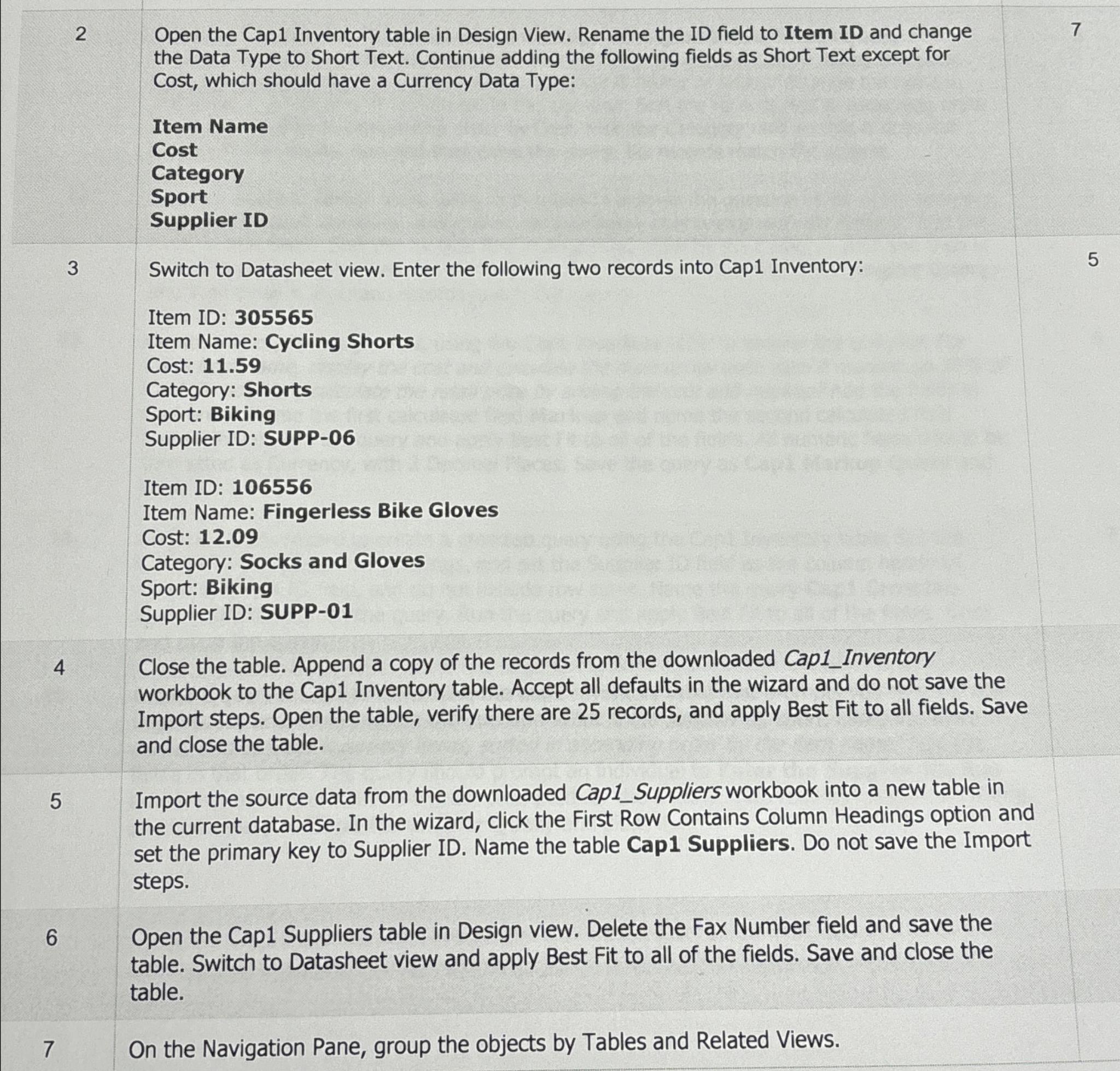
Question: 2 Open the Cap 1 Inventory table in Design View. Rename the ID field to Item ID and change the Data Type to Short Text.
Open the Cap Inventory table in Design View. Rename the ID field to Item ID and change the Data Type to Short Text. Continue adding the following fields as Short Text except for Cost, which should have a Currency Data Type:
Item Name
Cost
Category
Sport
Supplier ID
On the Navigation Pane, group the objects by Tables and Related Views.
Step by Step Solution
There are 3 Steps involved in it
1 Expert Approved Answer
Step: 1 Unlock

Question Has Been Solved by an Expert!
Get step-by-step solutions from verified subject matter experts
Step: 2 Unlock
Step: 3 Unlock
 Study Help