







Question: 2. Select the first UDP packets. Then select each field in the UDP header and give its Name Value Size (in bytes) (Recall that selecting
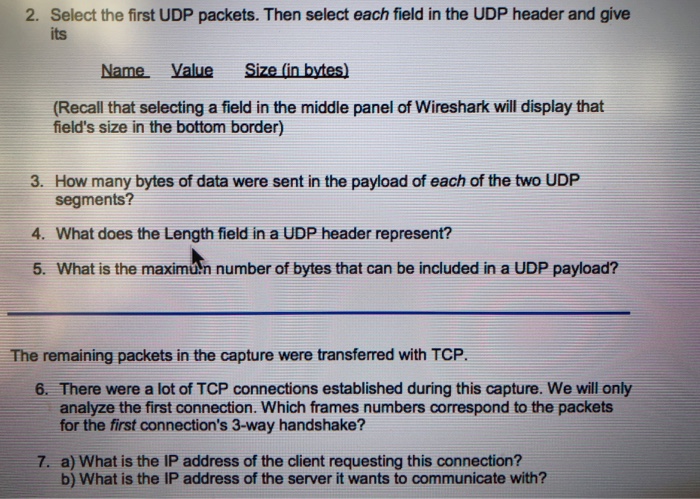
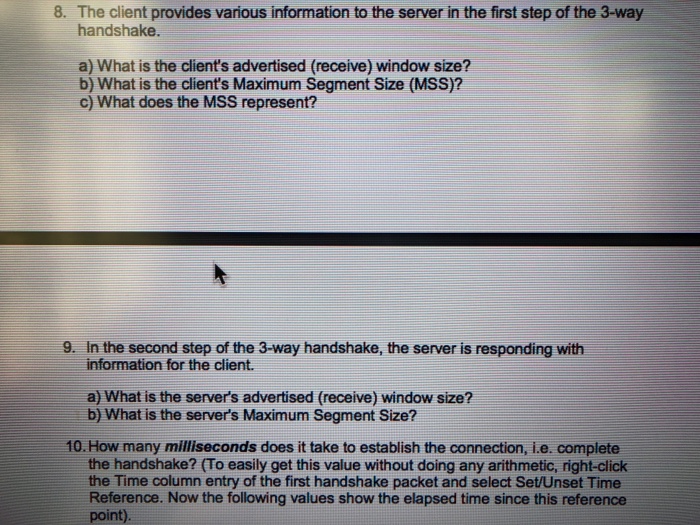
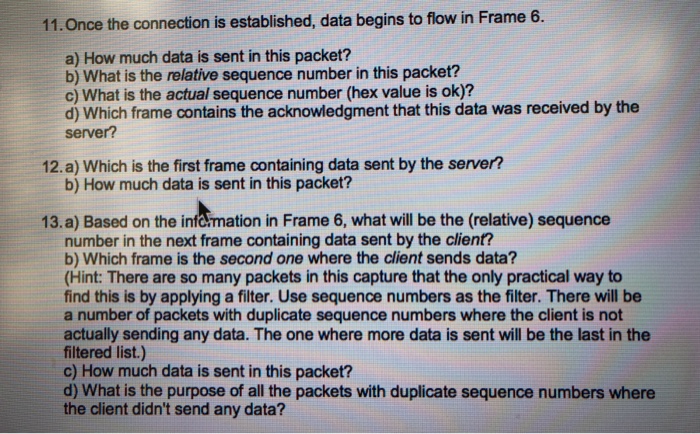
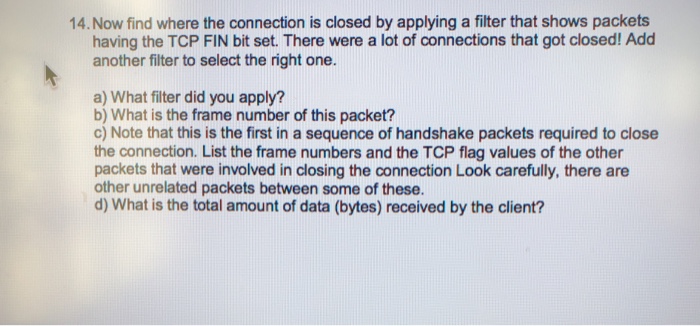
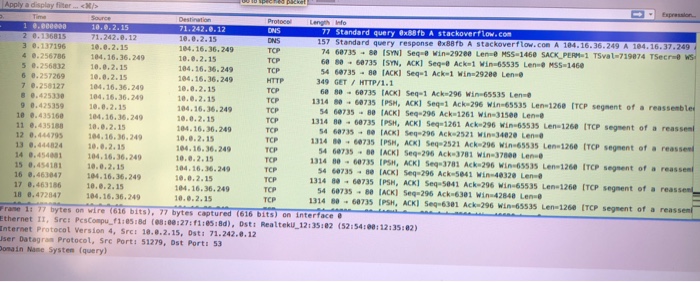
2. Select the first UDP packets. Then select each field in the UDP header and give its Name Value Size (in bytes) (Recall that selecting a field in the middle panel of Wireshark will display that field's size in the bottom border) 3. How many bytes of data were sent in the payload of each of the two UDP 4. What does the Length field in a UDP header represent? 5. What is the maxim-n number of bytes that can be included in a UDP payload? segments? The remaining packets in the capture were transferred with TCP. 6. There were a lot of TCP connections established during this capture. We will only analyze the first connection. Which frames numbers correspond to the packets for the first connection's 3-way handshake? 7. a) What is the IP address of the client requesting this connection? b) What is the IP address of the server it wants to communicate with
Step by Step Solution
There are 3 Steps involved in it

Get step-by-step solutions from verified subject matter experts
 Study Help