







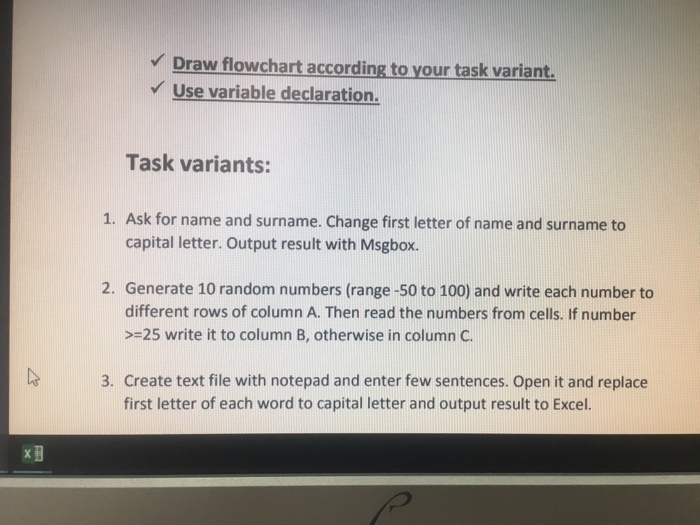
Question: 2 task. ASAP. VBA Draw flowchart according to your task variant. Use variable declaration. Task variants: 1. Ask for name and surname. Change first letter
 2 task. ASAP. VBA
 Draw flowchart according to your task variant. Use variable declaration. Task variants: 1. Ask for name and surname. Change first letter of name and surname to capital letter. Output result with Msgbox. Generate 10 random numbers (range -50 to 100) and write each number to different rows of column A. Then read the numbers from cells. If number >-25 write it to column B, otherwise in column C 2. 3. Create text file with notepad and enter few sentences. Open it and replace first letter of each word to capital letter and output result to Excel. Draw flowchart according to your task variant. Use variable declaration. Task variants: 1. Ask for name and surname. Change first letter of name and surname to capital letter. Output result with Msgbox. Generate 10 random numbers (range -50 to 100) and write each number to different rows of column A. Then read the numbers from cells. If number >-25 write it to column B, otherwise in column C 2. 3. Create text file with notepad and enter few sentences. Open it and replace first letter of each word to capital letter and output result to Excel
Step by Step Solution
There are 3 Steps involved in it

Get step-by-step solutions from verified subject matter experts
 Study Help