







Question: 2. We have seen in this chapter that the network parts of IP addresses identify the owners of IP address blocks. Use the WHOIS search
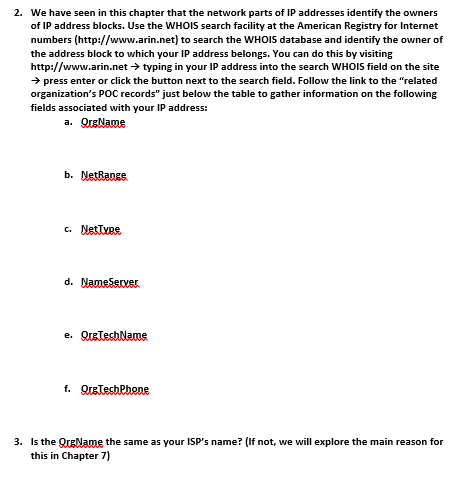
2. We have seen in this chapter that the network parts of IP addresses identify the owners of IP address blocks. Use the WHOIS search facility at the American Registry for Internet numbers (http://www.arin.net) to search the WHOIS database and identify the owner of the address block to which your IP address belongs. You can do this by visiting http://www.arin.net typing in your IP address into the search WHOIS field on the site press enter or click the button next to the search field. Follow the link to the "related organization's POC records" just below the table to gather information on the following fields associated with your IP address: a. QueName b. NetRange 6. NetType d. Name Server e. Qistes Nams f. Quotesbehene 3. Is the QurName the same as your ISP's name? (If not, we will explore the main reason for this in Chapter 7) 2. We have seen in this chapter that the network parts of IP addresses identify the owners of IP address blocks. Use the WHOIS search facility at the American Registry for Internet numbers (http://www.arin.net) to search the WHOIS database and identify the owner of the address block to which your IP address belongs. You can do this by visiting http://www.arin.net typing in your IP address into the search WHOIS field on the site press enter or click the button next to the search field. Follow the link to the "related organization's POC records" just below the table to gather information on the following fields associated with your IP address: a. QueName b. NetRange 6. NetType d. Name Server e. Qistes Nams f. Quotesbehene 3. Is the QurName the same as your ISP's name? (If not, we will explore the main reason for this in Chapter 7)
Step by Step Solution
There are 3 Steps involved in it

Get step-by-step solutions from verified subject matter experts
 Study Help