







Question: 2.2. Write a shell script mystery.sh which takes a directory name as argument and store the line counts (number of lines in the file) of
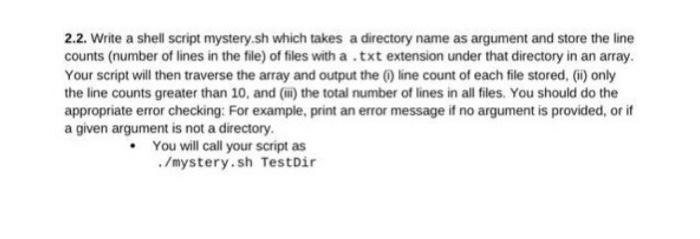
2.2. Write a shell script mystery.sh which takes a directory name as argument and store the line counts (number of lines in the file) of files with a .txt extension under that directory in an array. Your script will then traverse the array and output the () line count of each file stored, (ii) only the line counts greater than 10, and () the total number of lines in all files. You should do the appropriate error checking: For example, print an error message if no argument is provided, or if a given argument is not a directory. You will call your script as ./mystery.sh TestDir
Step by Step Solution
There are 3 Steps involved in it
1 Expert Approved Answer
Step: 1 Unlock

Question Has Been Solved by an Expert!
Get step-by-step solutions from verified subject matter experts
Step: 2 Unlock
Step: 3 Unlock
 Study Help