







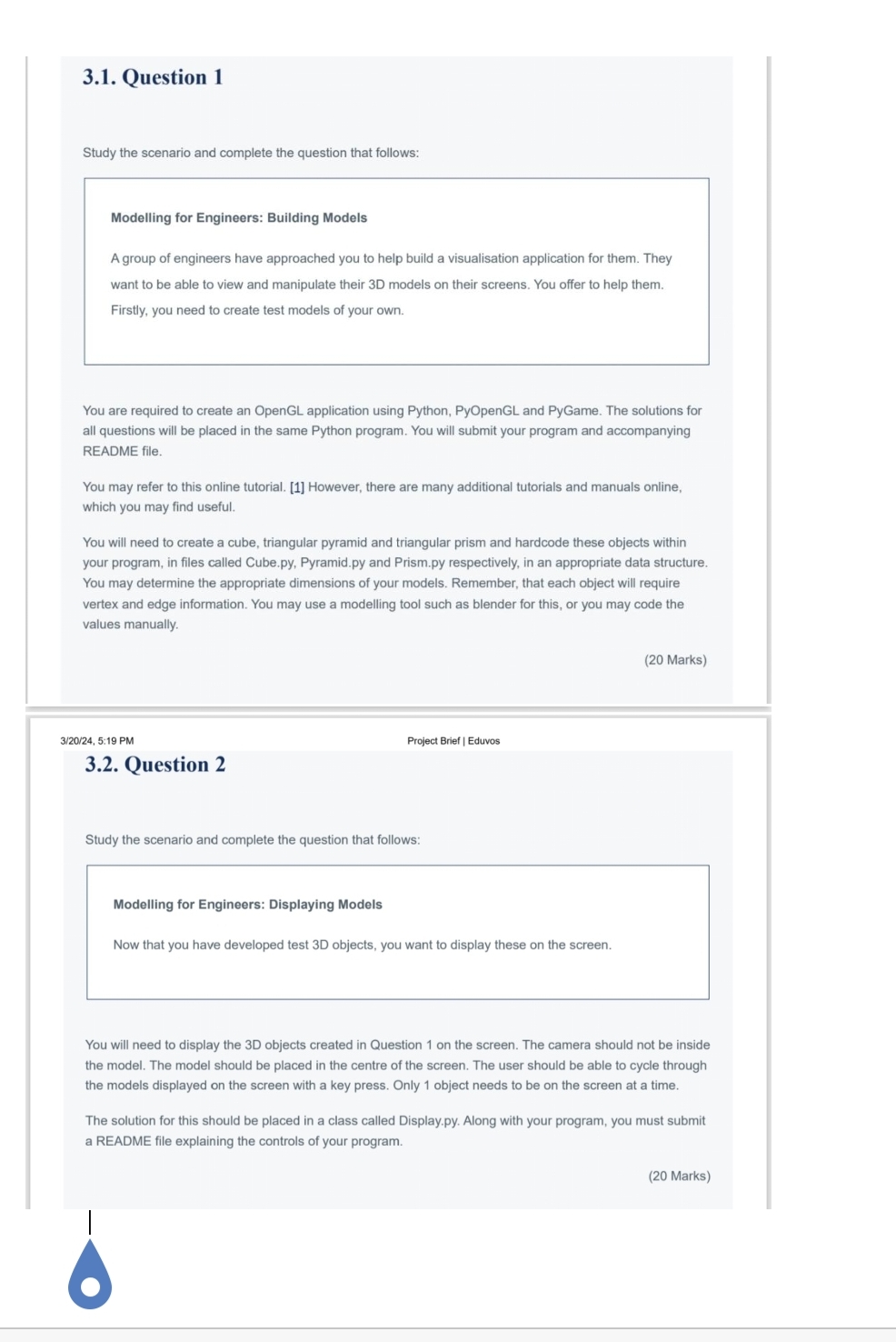
Question: 3 . 1 . Question 1 Study the scenario and complete the question that follows: Modelling for Engineers: Building Models A group of engineers have
Question
Study the scenario and complete the question that follows:
Modelling for Engineers: Building Models
A group of engineers have approached you to help build a visualisation application for them. They want to be able to view and manipulate their D models on their screens. You offer to help them. Firstly, you need to create test models of your own.
You are required to create an OpenGL application using Python, PyOpenGL and PyGame. The solutions for all questions will be placed in the same Python program. You will submit your program and accompanying README file.
You may refer to this online tutorial. However, there are many additional tutorials and manuals online, which you may find useful.
You will need to create a cube, triangular pyramid and triangular prism and hardcode these objects within your program, in files called
Cube.py
Pyramid.py and
Prism.py respectively, in an appropriate data structure. You may determine the appropriate dimensions of your models. Remember, that each object will require vertex and edge information. You may use a modelling tool such as blender for this, or you may code the values manually.
Marks
: PM
Project Brief Eduvos
Question
Study the scenario and complete the question that follows:
Modelling for Engineers: Displaying Models
Now that you have developed test D objects, you want to display these on the screen.
You will need to display the D objects created in Question on the screen. The camera should not be inside the model. The model should be placed in the centre of the screen. The user should be able to cycle through the models displayed on the screen with a key press. Only object needs to be on the screen at a time.
The solution for this should be placed in a class called
Display.py Along with your program, you must submit a README file explaining the controls of your program.
Marks
Step by Step Solution
There are 3 Steps involved in it
1 Expert Approved Answer
Step: 1 Unlock

Question Has Been Solved by an Expert!
Get step-by-step solutions from verified subject matter experts
Step: 2 Unlock
Step: 3 Unlock
 Study Help