







Question: 3. Cubic spline interpolating functions can be computed in MATLAB. Many types of boundary conditions are possible, including the 'clamped' boundary conditions and the second'
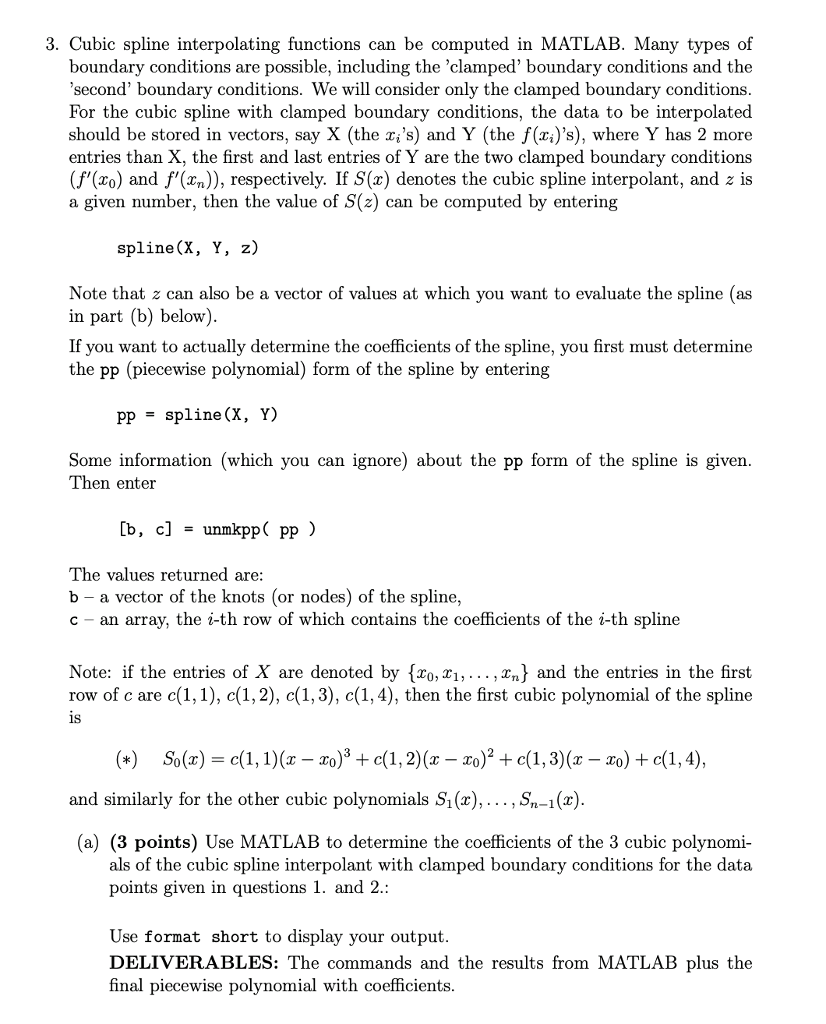
3. Cubic spline interpolating functions can be computed in MATLAB. Many types of boundary conditions are possible, including the 'clamped' boundary conditions and the second' boundary conditions. We will consider only the clamped boundary conditions For the cubic spline with clamped boundary conditions, the data to be interpolated should be stored in vectors, say X (the x,'s) and Y (the f(xi)'s), where Y has 2 more entries than X, the first and last entries of Y are the two clamped boundary conditions (f'(xo) and f(xn)), respectively. If S(x) denotes the cubic spline interpolant, and z is a given number, then the value of S(z) can be computed by entering spline (X, Y, Z) Note that z can also be a vector of values at which you want to evaluate the spline (as in part (b) below) If you want to actually determine the coefficients of the spline, you first must determine the pp (piecewise polynomial) form of the spline by entering pp - spline (X, Y) Some information (which you can ignore) about the pp form of the spline is given Then enter The values returned are: b - a vector of the knots (or nodes) of the spline, c - an array, the i-th row of which contains the coefficients of the i-th spline Note: if the entries of X are denoted by [xo,^i,... ,xn^ and the entries in the first row of c are c(1, 1), c(1,2), c(1,3), c(1,4), then the first cubic polynomial of the spline 1S T- T0 x - xO and similarly for the other cubic polynomials S1(x),... , Sn-I(x (a) (3 points) Use MATLAB to determine the coefficients of the 3 cubic polynomi als of the cubic spline interpolant with clamped boundary conditions for the data points given in questions 1. and 2.: Use format short to display your output DELIVERABLES: The commands and the results from MATLAB plus the final piecewise polynomial with coefficients 3. Cubic spline interpolating functions can be computed in MATLAB. Many types of boundary conditions are possible, including the 'clamped' boundary conditions and the second' boundary conditions. We will consider only the clamped boundary conditions For the cubic spline with clamped boundary conditions, the data to be interpolated should be stored in vectors, say X (the x,'s) and Y (the f(xi)'s), where Y has 2 more entries than X, the first and last entries of Y are the two clamped boundary conditions (f'(xo) and f(xn)), respectively. If S(x) denotes the cubic spline interpolant, and z is a given number, then the value of S(z) can be computed by entering spline (X, Y, Z) Note that z can also be a vector of values at which you want to evaluate the spline (as in part (b) below) If you want to actually determine the coefficients of the spline, you first must determine the pp (piecewise polynomial) form of the spline by entering pp - spline (X, Y) Some information (which you can ignore) about the pp form of the spline is given Then enter The values returned are: b - a vector of the knots (or nodes) of the spline, c - an array, the i-th row of which contains the coefficients of the i-th spline Note: if the entries of X are denoted by [xo,^i,... ,xn^ and the entries in the first row of c are c(1, 1), c(1,2), c(1,3), c(1,4), then the first cubic polynomial of the spline 1S T- T0 x - xO and similarly for the other cubic polynomials S1(x),... , Sn-I(x (a) (3 points) Use MATLAB to determine the coefficients of the 3 cubic polynomi als of the cubic spline interpolant with clamped boundary conditions for the data points given in questions 1. and 2.: Use format short to display your output DELIVERABLES: The commands and the results from MATLAB plus the final piecewise polynomial with coefficients
Step by Step Solution
There are 3 Steps involved in it

Get step-by-step solutions from verified subject matter experts
 Study Help