







Question: 3. Make a second directory called C++ Project. 4. Within the C++ Project directory, open nano and create a simple C++ program called average.cpp that
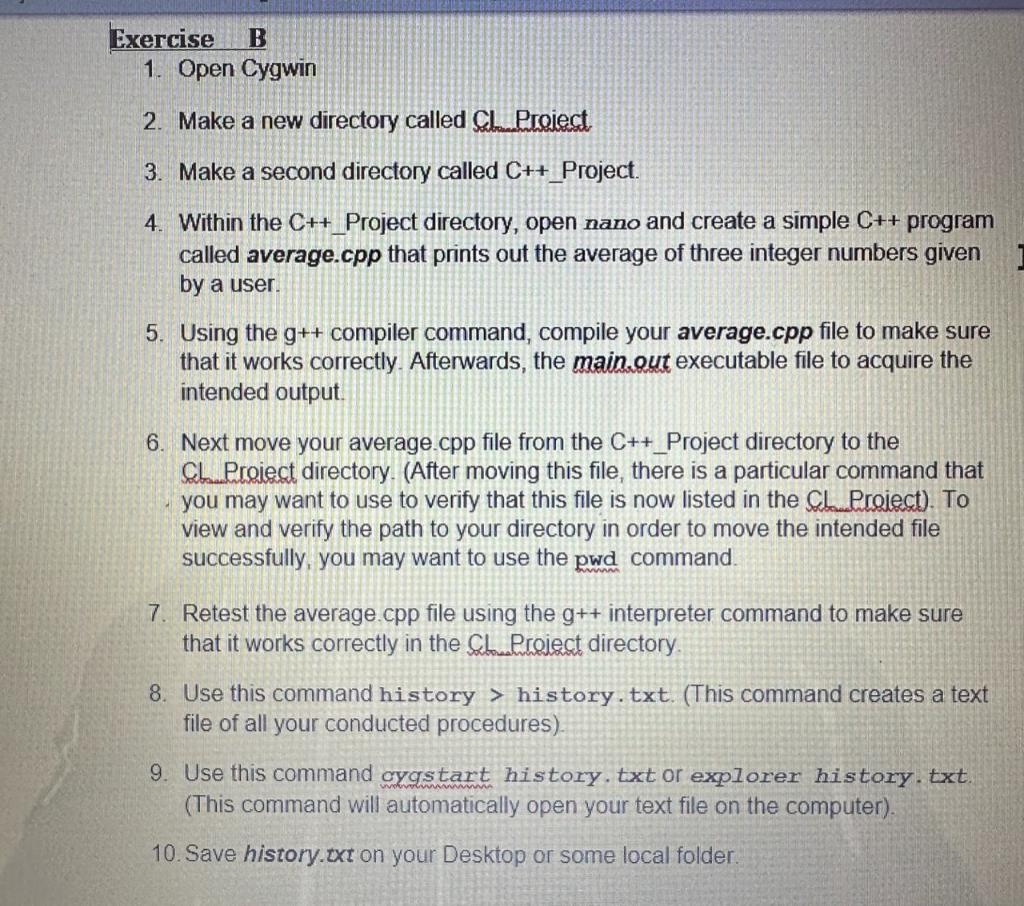
3. Make a second directory called C++ Project. 4. Within the C++ Project directory, open nano and create a simple C++ program called average.cpp that prints out the average of three integer numbers given by a user. 5. Using the g++ compiler command, compile your average.cpp file to make sure that it works correctly. Afterwards, the main.out executable file to acquire the intended output. 6. Next move your average.cpp file from the C++ Project directory to the CL _roieiect directory. (After moving this file, there is a particular command that you may want to use to verify that this file is now listed in the Cd_Proiect). To view and verify the path to your directory in order to move the intended file successfully, you may want to use the pwd command. 7. Retest the average.cpp file using the g++ interpreter command to make sure that it works correctly in the Sldweiect directory. 8. Use this command history > history.txt. (This command creates a text file of all your conducted procedures). 9. Use this command cygstart history. txt or explorer history. txt. (This command will automatically open your text file on the computer). 10. Save history.txt on your Desktop or some local folder
Step by Step Solution
There are 3 Steps involved in it

Get step-by-step solutions from verified subject matter experts
 Study Help