







Question: 3) Plotting and Printing: Matlab has an array of commands for plotting, label- ing/editing plots, and printing. Type the following commands: help plot help print
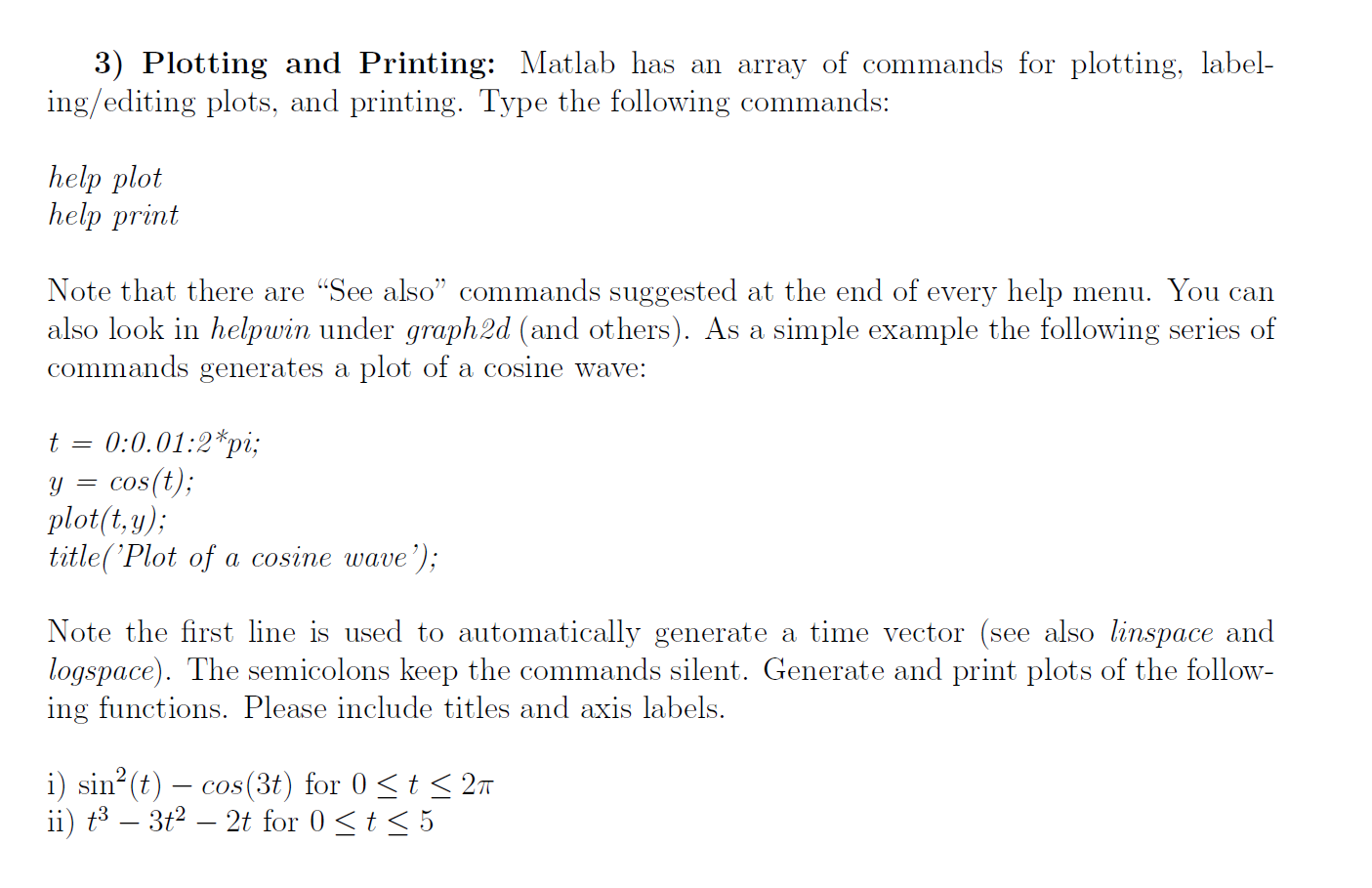
3) Plotting and Printing: Matlab has an array of commands for plotting, label- ing/editing plots, and printing. Type the following commands: help plot help print Note that there are "See also commands suggested at the end of every help menu. You can also look in helpwin under graph2d (and others). As a simple example the following series of commands generates a plot of a cosine wave: t = 0:0.01:2*pi; y = cos(t); plot(t,y); title( 'Plot of a cosine wave'); Note the first line is used to automatically generate a time vector (see also linspace and logspace). The semicolons keep the commands silent. Generate and print plots of the follow- ing functions. Please include titles and axis labels. i) sin(t) cos(3t) for 0
Step by Step Solution
There are 3 Steps involved in it

Get step-by-step solutions from verified subject matter experts
 Study Help