



Question: 3 questions How do you access further information about a file? Go to disc utility and chose the specific disc to see information in the
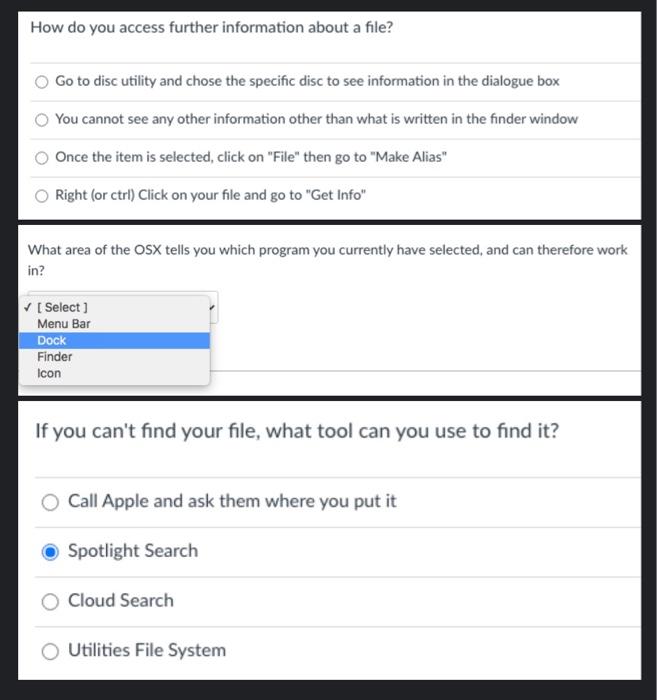
How do you access further information about a file? Go to disc utility and chose the specific disc to see information in the dialogue box You cannot see any other information other than what is written in the finder window Once the item is selected, click on "File" then go to "Make Alias" Right (or ctrl) Click on your file and go to "Get Info" What area of the OSX tells you which program you currently have selected, and can therefore work in? [Select ] Menu Bar Dock Finder Icon If you can't find your file, what tool can you use to find it? Call Apple and ask them where you put it Spotlight Search Cloud Search O Utilities File System
Step by Step Solution
There are 3 Steps involved in it

Get step-by-step solutions from verified subject matter experts