







Question: 3. Write a bash script to (Note, you are using the user files you created in 2b in this question) a. Read a file name
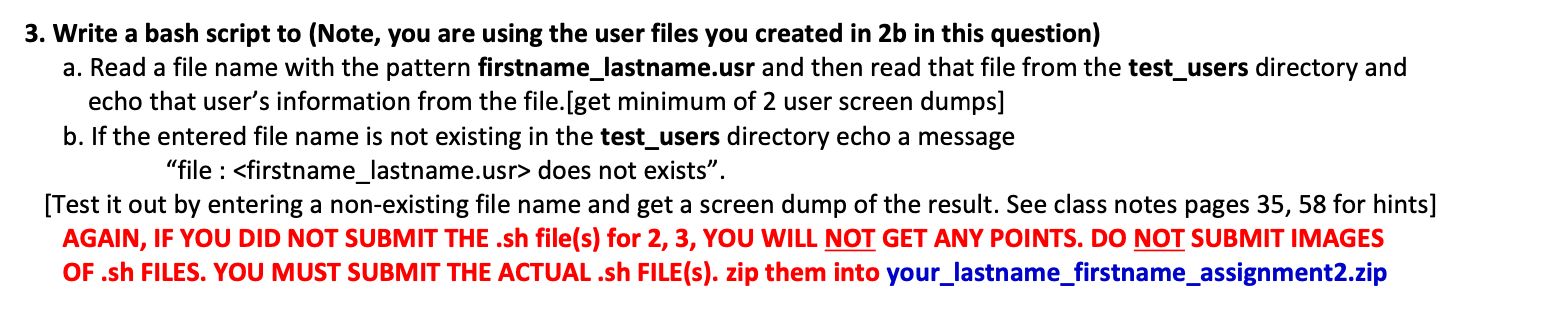
3. Write a bash script to (Note, you are using the user files you created in 2b in this question) a. Read a file name with the pattern firstname_lastname.usr and then read that file from the test_users directory and echo that user's information from the file.[get minimum of 2 user screen dumps] b. If the entered file name is not existing in the test_users directory echo a message "file : does not exists". [Test it out by entering a non-existing file name and get a screen dump of the result. See class notes pages 35,58 for hints] AGAIN, IF YOU DID NOT SUBMIT THE .sh file(s) for 2, 3, YOU WILL NOT GET ANY POINTS. DO NOT SUBMIT IMAGES OF .sh FILES. YOU MUST SUBMIT THE ACTUAL .sh FILE(s). zip them into your_lastname_firstname_assignment2.zip
Step by Step Solution
There are 3 Steps involved in it

Get step-by-step solutions from verified subject matter experts
 Study Help