



Question: 3.3 Use the VLOOKUP function in cell G3 to calculate the delivery price for order 1 (3.5) Use the HLOOKUP function in cell H3 )
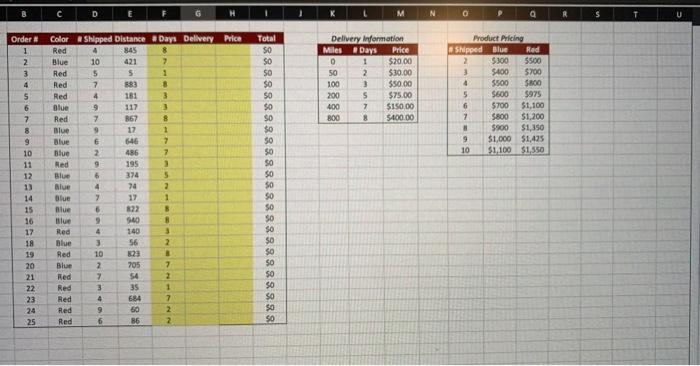
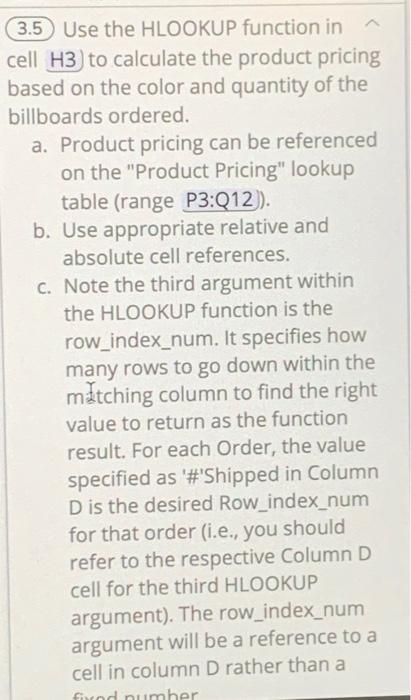
(3.5) Use the HLOOKUP function in cell H3 ) to calculate the product pricing pased on the color and quantity of the billboards ordered. a. Product pricing can be referenced on the "Product Pricing" lookup table (range P3:Q12)). b. Use appropriate relative and absolute cell references. c. Note the third argument within the HLOOKUP function is the row_index_num. It specifies how many rows to go down within the matching column to find the right value to return as the function result. For each Order, the value specified as '\#'Shipped in Column D is the desired Row_index_num for that order (i.e., you should refer to the respective Column D cell for the third HLOOKUP argument). The row_index_num argument will be a reference to a cell in column D rather than a
Step by Step Solution
There are 3 Steps involved in it

Get step-by-step solutions from verified subject matter experts