







Question: 34. Open the Build a Molecule simulation (http://openstax.org/1/16molbuilding) and select the Larger Molecules tab. Select an appropriate atom's Kit to build a molecule with two
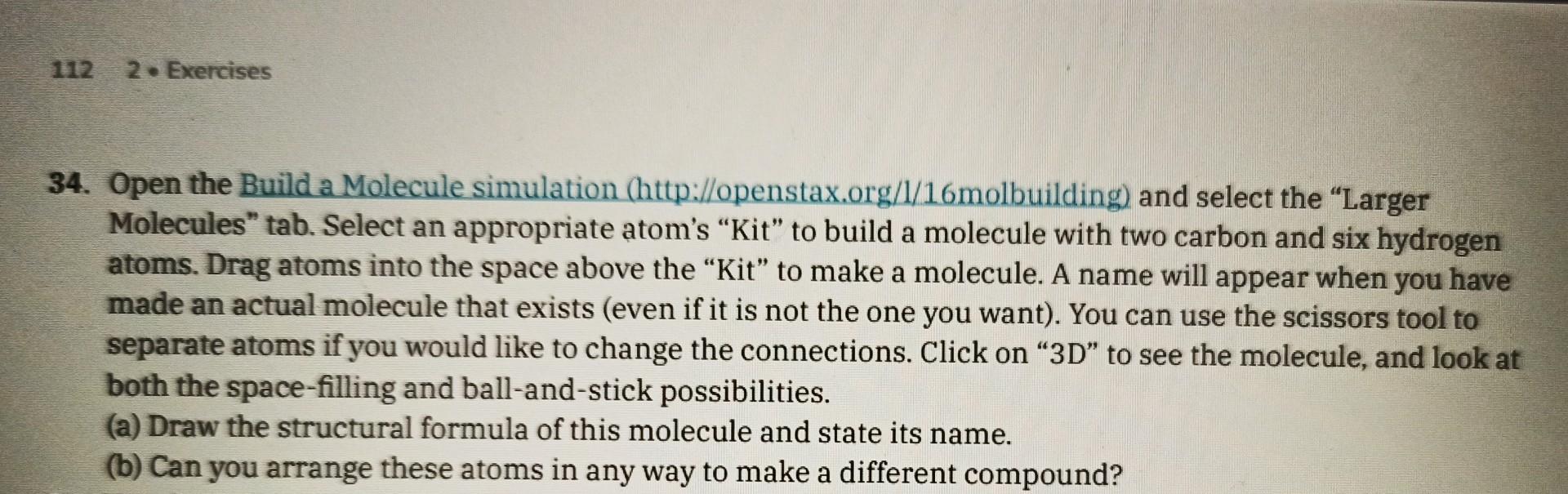
34. Open the Build a Molecule simulation (http://openstax.org/1/16molbuilding) and select the "Larger Molecules" tab. Select an appropriate atom's "Kit" to build a molecule with two carbon and six hydrogen atoms. Drag atoms into the space above the "Kit" to make a molecule. A name will appear when you have made an actual molecule that exists (even if it is not the one you want). You can use the scissors tool to separate atoms if you would like to change the connections. Click on "3D" to see the molecule, and look at both the space-filling and ball-and-stick possibilities. (a) Draw the structural formula of this molecule and state its name. (b) Can you arrange these atoms in any way to make a different compound
Step by Step Solution
There are 3 Steps involved in it

Get step-by-step solutions from verified subject matter experts
 Study Help