







Question: 4. 10. 11. In cell (3?, create a vlookup formula to look up and return the department head names for each department. You will nd
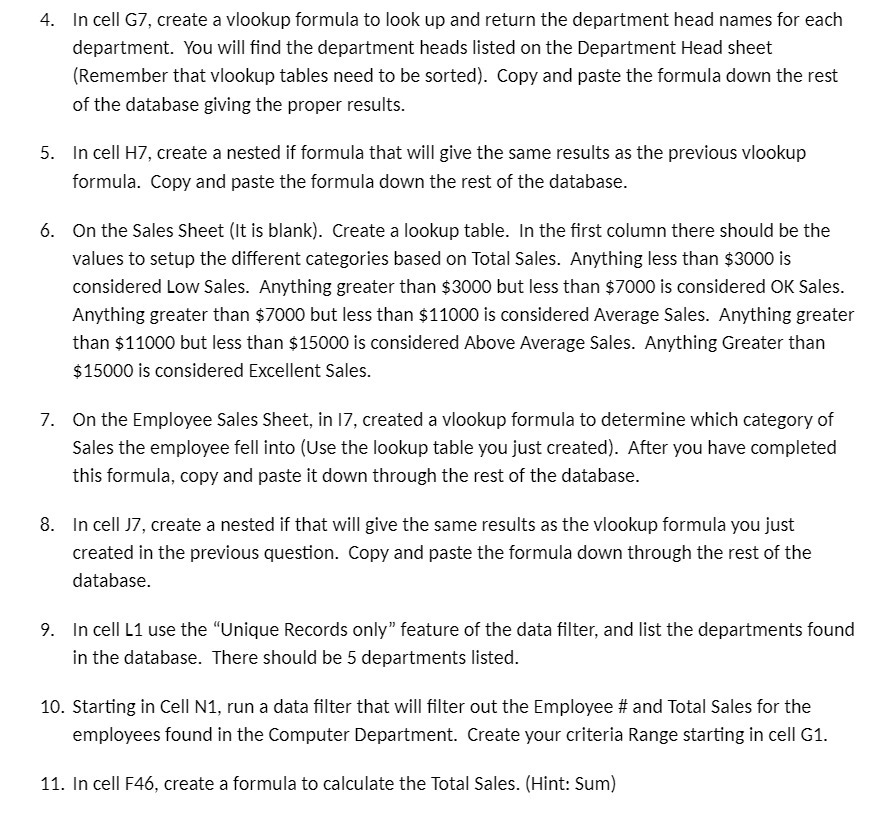
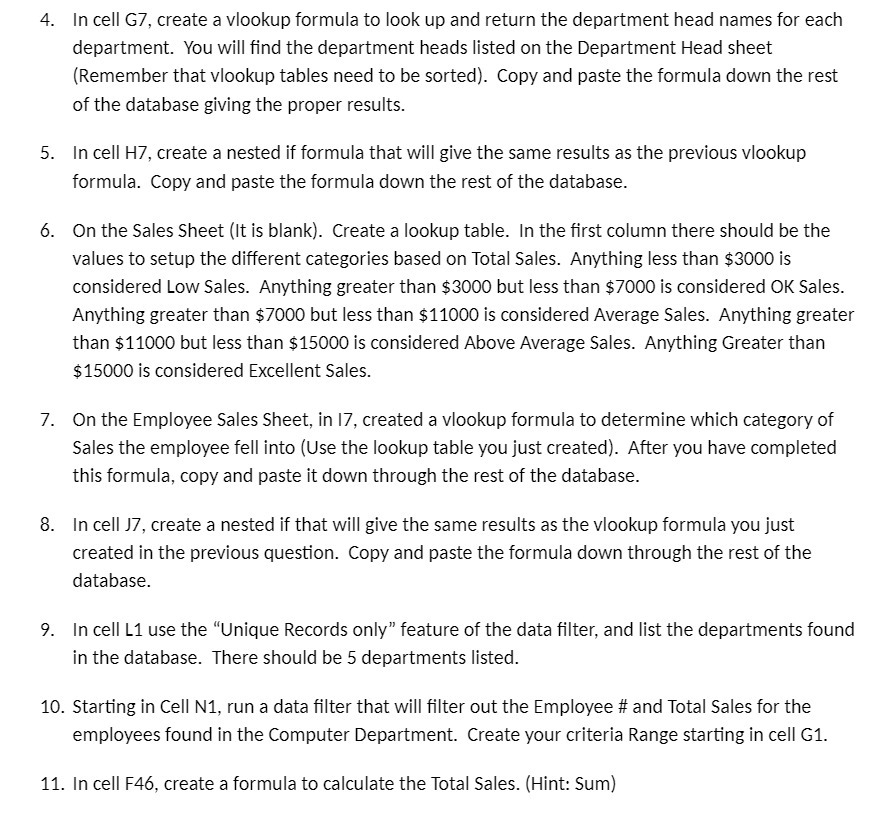
4. 10. 11. In cell (3?, create a vlookup formula to look up and return the department head names for each department. You will nd the department heads listed on the Department Head sheet [Remember that vlookup tables need to be sorted}. Copy and paste the formula down the rest of the database giving the proper results. In cell H1 create a nested if formula that will give the same results as the previous vlookup formula. Copy and paste the formula down the rest of the database. On the Sales Sheet (It is blank). Create a lookup table. In the rst column there should be the values to setup the different categories based on Total Sales. Anything less than $3000 is considered Low Sales. Anything greater than $3000 but less than $7000 is considered OK Sales. Anything greater than $Y000 but less than $11000 is considered Average Sales. Anything greater than $11000 but less than $15000 is considered Above Average Sales. Anything Greater than $15000 is considered Excellent Sales. On the Employee Sales Sheet, in I7, created a vlookup formula to determine which category of Sales the employee fell into (Use the lookup table you just created). After you have completed this formula, copy and paste it down through the rest of the database. In cell 1?, create a nested if that will give the same results as the vlookup formula you just created in the previous question. Copy and paste the formula down through the rest of the database. In cell L1 use the "Unique Records only\" feature ofthe data lter, and list the departments found in the database. There should be 5 departments listed. Starting in Cell N1, run a data lter that will lter out the Employee if and Total Sales for the employees found in the Computer Department. Create your criteria Range starting in cell (31. In cell F46, create a formula to calculate the Total Sales. (Hint: Sum)
Step by Step Solution
There are 3 Steps involved in it

Get step-by-step solutions from verified subject matter experts
 Study Help