







Question: 4 . 4 . 2 . Programming Challenge : Turtle Snowflakes In the last exercise, you used nested for - loops to have the turtle
Programming Challenge : Turtle Snowflakes
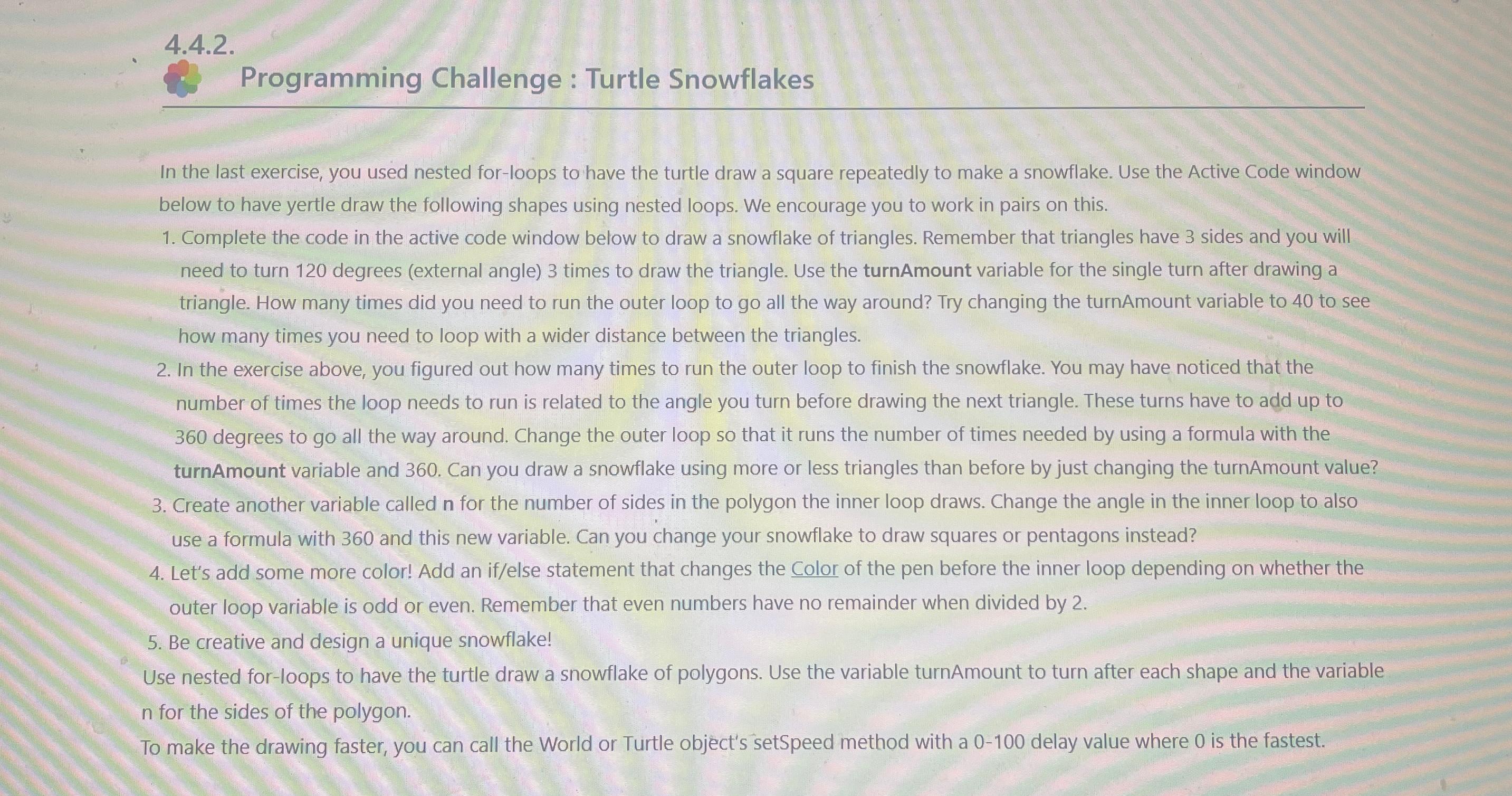
In the last exercise, you used nested forloops to have the turtle draw a square repeatedly to make a snowflake. Use the Active Code window below to have yertle draw the following shapes using nested loops. We encourage you to work in pairs on this.
Complete the code in the active code window below to draw a snowflake of triangles. Remember that triangles have sides and you will need to turn degrees external angle times to draw the triangle. Use the turnAmount variable for the single turn after drawing a triangle. How many times did you need to run the outer loop to go all the way around? Try changing the turnAmount variable to to see how many times you need to loop with a wider distance between the triangles.
In the exercise above, you figured out how many times to run the outer loop to finish the snowflake. You may have noticed that the number of times the loop needs to run is related to the angle you turn before drawing the next triangle. These turns have to add up to degrees to go all the way around. Change the outer loop so that it runs the number of times needed by using a formula with the turnAmount variable and Can you draw a snowflake using more or less triangles than before by just changing the turnAmount value?
Create another variable called for the number of sides in the polygon the inner loop draws. Change the angle in the inner loop to also use a formula with and this new variable. Can you change your snowflake to draw squares or pentagons instead?
Let's add some more color! Add an ifelse statement that changes the Color of the pen before the inner loop depending on whether the outer loop variable is odd or even. Remember that even numbers have no remainder when divided by
Be creative and design a unique snowflake!
Use nested forloops to have the turtle draw a snowflake of polygons. Use the variable turnAmount to turn after each shape and the variable for the sides of the polygon.
To make the drawing faster, you can call the World or Turtle object's setSpeed method with a delay value where is the fastest.
Step by Step Solution
There are 3 Steps involved in it
1 Expert Approved Answer
Step: 1 Unlock

Question Has Been Solved by an Expert!
Get step-by-step solutions from verified subject matter experts
Step: 2 Unlock
Step: 3 Unlock
 Study Help