







Question: 4 8 9 count_target_values.py 1 2 INSTRUCTIONS 3 Obtain a target value from the user. Then write a loop that reads in ten values from
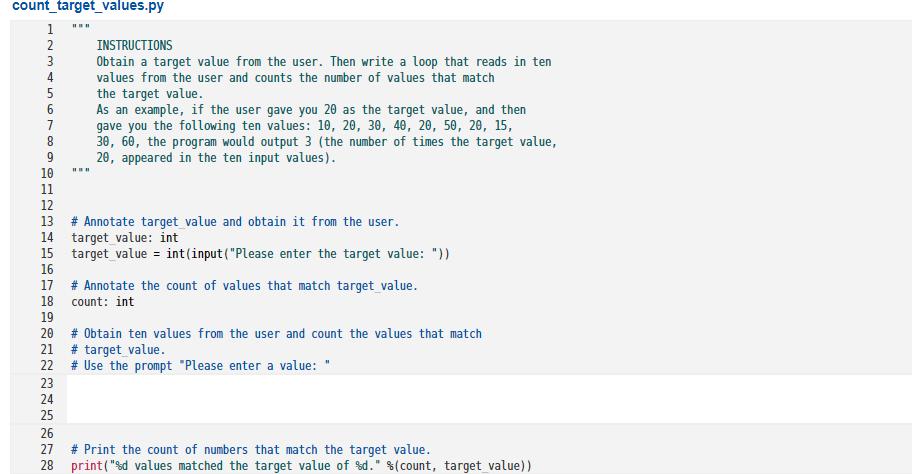
4 8 9 count_target_values.py 1 2 INSTRUCTIONS 3 Obtain a target value from the user. Then write a loop that reads in ten values from the user and counts the number of values that match 5 the target value. 6 As an example, if the user gave you 20 as the target value, and then 7 gave you the following ten values: 10, 20, 30, 40, 20, 50, 20, 15, 30, 60, the program would output 3 (the number of times the target value, 20, appeared in the ten input values). 10 11 12 13 # Annotate target_value and obtain it from the user. 14 target_value: int 15 target_value = int(input("Please enter the target value: ")) 16 17 # Annotate the count of values that match target_value. 18 count: int 19 20 # Obtain ten values from the user and count the values that match 21 # target value. 22 # Use the prompt "Please enter a value: " 23 24 25 26 27 # Print the count of numbers that match the target value. 28 print("%d values matched the target value of %d." (count, target_value))
Step by Step Solution
There are 3 Steps involved in it

Get step-by-step solutions from verified subject matter experts
 Study Help