







Question: 4 b . If you already completed the Chapter 3 assignment, skip this step. Create another calculated field named Current Ratio by dragging Total current
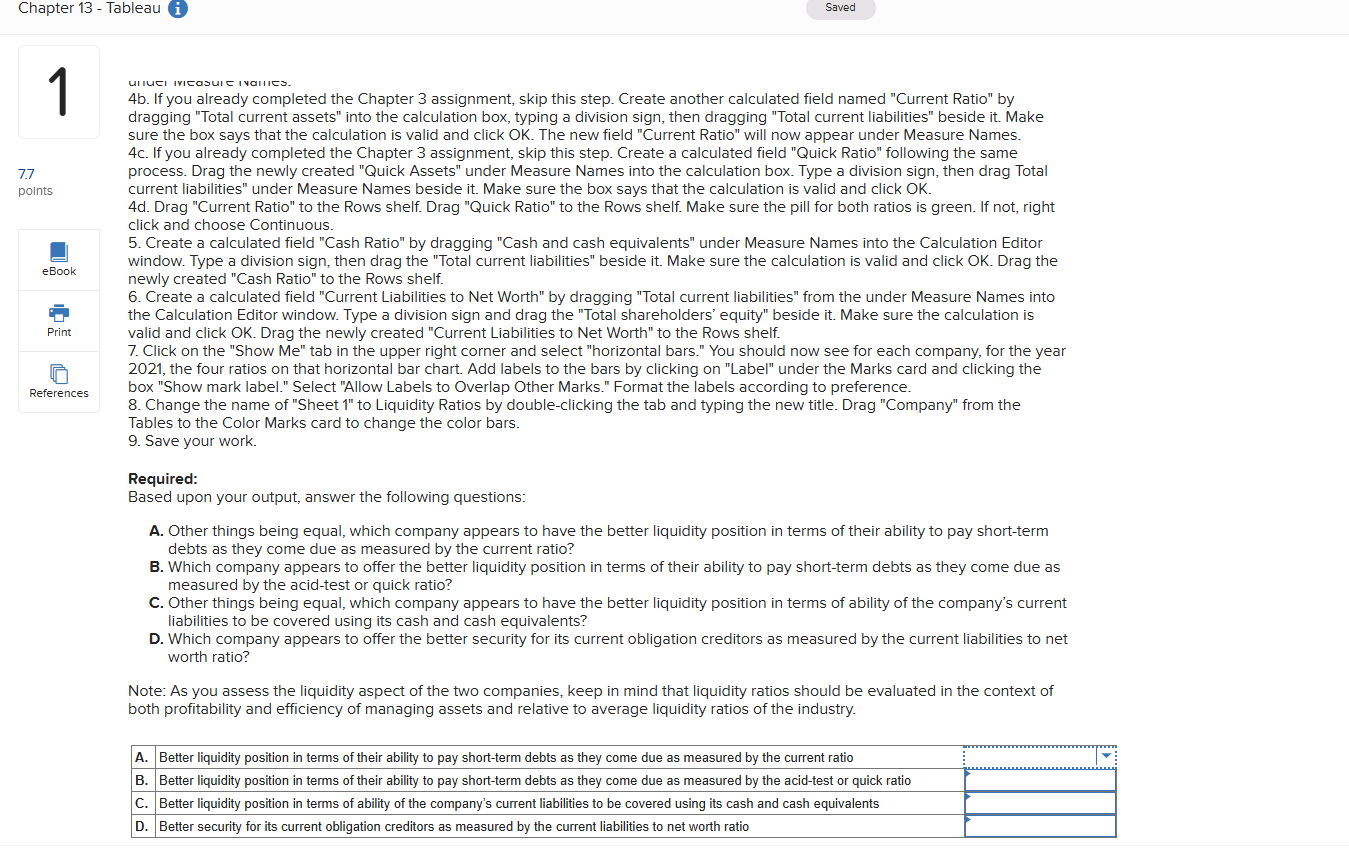
b If you already completed the Chapter assignment, skip this step. Create another calculated field named "Current Ratio" by dragging "Total current assets" into the calculation box, typing a division sign, then dragging "Total current liabilities" beside it Make sure the box says that the calculation is valid and click OK The new field "Current Ratio" will now appear under Measure Names. c If you already completed the Chapter assignment, skip this step. Create a calculated field "Quick Ratio" following the same process. Drag the newly created "Quick Assets" under Measure Names into the calculation box. Type a division sign, then drag Total current liabilities" under Measure Names beside it Make sure the box says that the calculation is valid and click OK
d Drag "Current Ratio" to the Rows shelf. Drag "Quick Ratio" to the Rows shelf. Make sure the pill for both ratios is green. If not, right click and choose Continuous.
Create a calculated field "Cash Ratio" by dragging "Cash and cash equivalents" under Measure Names into the Calculation Editor window. Type a division sign, then drag the "Total current liabilities" beside it Make sure the calculation is valid and click OK Drag the newly created "Cash Ratio" to the Rows shelf.
Create a calculated field "Current Liabilities to Net Worth" by dragging "Total current liabilities" from the under Measure Names into the Calculation Editor window. Type a division sign and drag the "Total shareholders' equity" beside it Make sure the calculation is valid and click OK Drag the newly created "Current Liabilities to Net Worth" to the Rows shelf.
Click on the "Show Me tab in the upper right corner and select "horizontal bars." You should now see for each company, for the year the four ratios on that horizontal bar chart. Add labels to the bars by clicking on "Label" under the Marks card and clicking the box "Show mark label." Select "Allow Labels to Overlap Other Marks." Format the labels according to preference.
Change the name of "Sheet to Liquidity Ratios by doubleclicking the tab and typing the new title. Drag "Company" from the Tables to the Color Marks card to change the color bars.
Save your work.
Required:
Based upon your output, answer the following questions:
A Other things being equal, which company appears to have the better liquidity position in terms of their ability to pay shortterm debts as they come due as measured by the current ratio?
B Which company appears to offer the better liquidity position in terms of their ability to pay shortterm debts as they come due as measured by the acidtest or quick ratio?
C Other things being equal, which company appears to have the better liquidity position in terms of ability of the company's current liabilities to be covered using its cash and cash equivalents?
D Which company appears to offer the better security for its current obligation creditors as measured by the current liabilities to net worth ratio?
Note: As you assess the liquidity aspect of the two companies, keep in mind that liquidity ratios should be evaluated in the context of both profitability and efficiency of managing assets and relative to average liquidity ratios of the industry.
Step by Step Solution
There are 3 Steps involved in it
1 Expert Approved Answer
Step: 1 Unlock

Question Has Been Solved by an Expert!
Get step-by-step solutions from verified subject matter experts
Step: 2 Unlock
Step: 3 Unlock
 Study Help