







Question: 4. How do you change column width to fit the contents? a. Single-click the boundary to the left of the column heading b. Double-click the
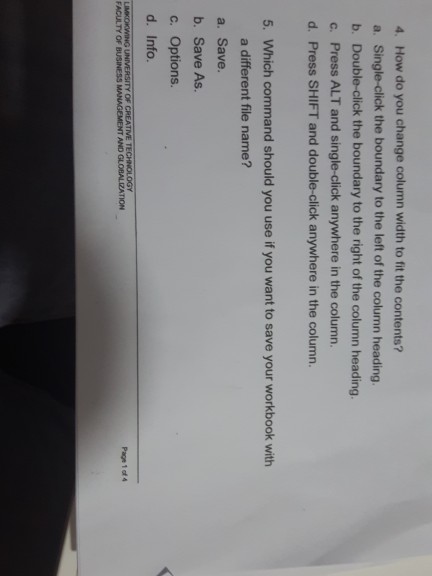
4. How do you change column width to fit the contents? a. Single-click the boundary to the left of the column heading b. Double-click the boundary to the right of the column heading. c. Press ALT and single-click anywhere in the column. d. Press SHIFT and double-click anywhere in the column. 5. Which command should you use if you want to save your workbook with a different file name? a. Save. b. Save As c. Options. d. Info. LIMKOKWING UNIVE
Step by Step Solution
There are 3 Steps involved in it
1 Expert Approved Answer
Step: 1 Unlock

Question Has Been Solved by an Expert!
Get step-by-step solutions from verified subject matter experts
Step: 2 Unlock
Step: 3 Unlock
 Study Help