



Question: 4. Implement the ERD Microsoft Access 2010/2013/2016 or LibreOffice (10 marks) Microsoft Access is installed in the SCBTM lab located in MB 12.314. LibreOffice can
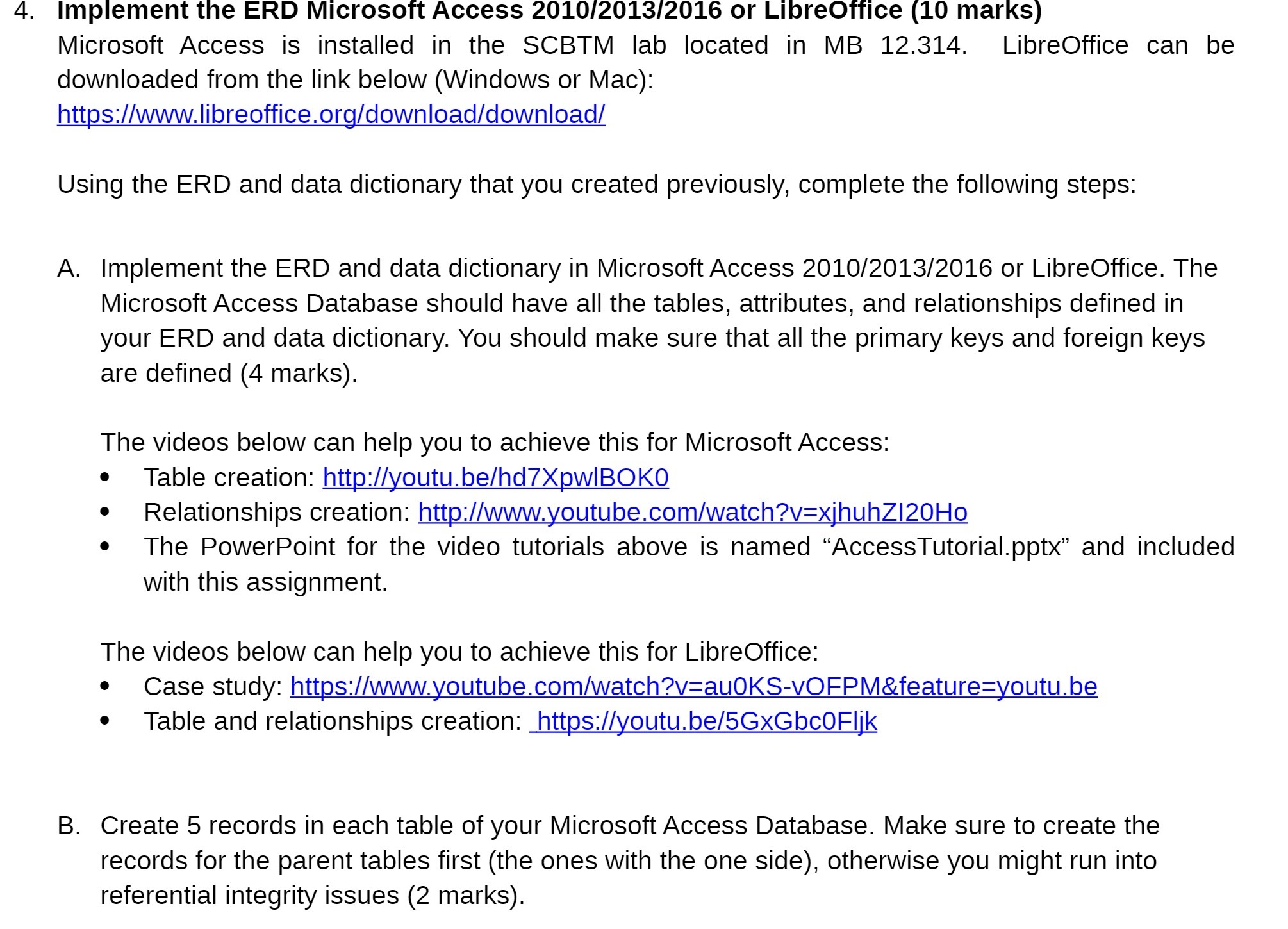
4. Implement the ERD Microsoft Access 2010/2013/2016 or LibreOffice (10 marks) Microsoft Access is installed in the SCBTM lab located in MB 12.314. LibreOffice can be downloaded from the link below (Windows or Mac): https://www.libreoffice.org/download/download/ Using the ERD and data dictionary that you created previously, complete the following steps: A. Implement the ERD and data dictionary in Microsoft Access 2010/2013/2016 or LibreOffice. The Microsoft Access Database should have all the tables, attributes, and relationships defined in your ERD and data dictionary. You should make sure that all the primary keys and foreign keys are defined (4 marks). The videos below can help you to achieve this for Microsoft Access: . Table creation: http://youtu.be/hd7XpwlBOKO . Relationships creation: http://www.youtube.com/watch?v=xjhuhZI20Ho The PowerPoint for the video tutorials above is named "AccessTutorial.pptx" and included with this assignment. The videos below can help you to achieve this for LibreOffice: . Case study: https://www.youtube.com/watch?v=auOKS-VOFPM&feature=youtu.be Table and relationships creation: https://youtu.be/5GxGbcOFIjk B. Create 5 records in each table of your Microsoft Access Database. Make sure to create the records for the parent tables first (the ones with the one side), otherwise you might run into referential integrity issues (2 marks)
Step by Step Solution
There are 3 Steps involved in it

Get step-by-step solutions from verified subject matter experts