







Question: 4 Task 2 : Encryption using Different Ciphers and Modes In this task, we will play with various encryption algorithms and modes. You can use
Task : Encryption using Different Ciphers and Modes
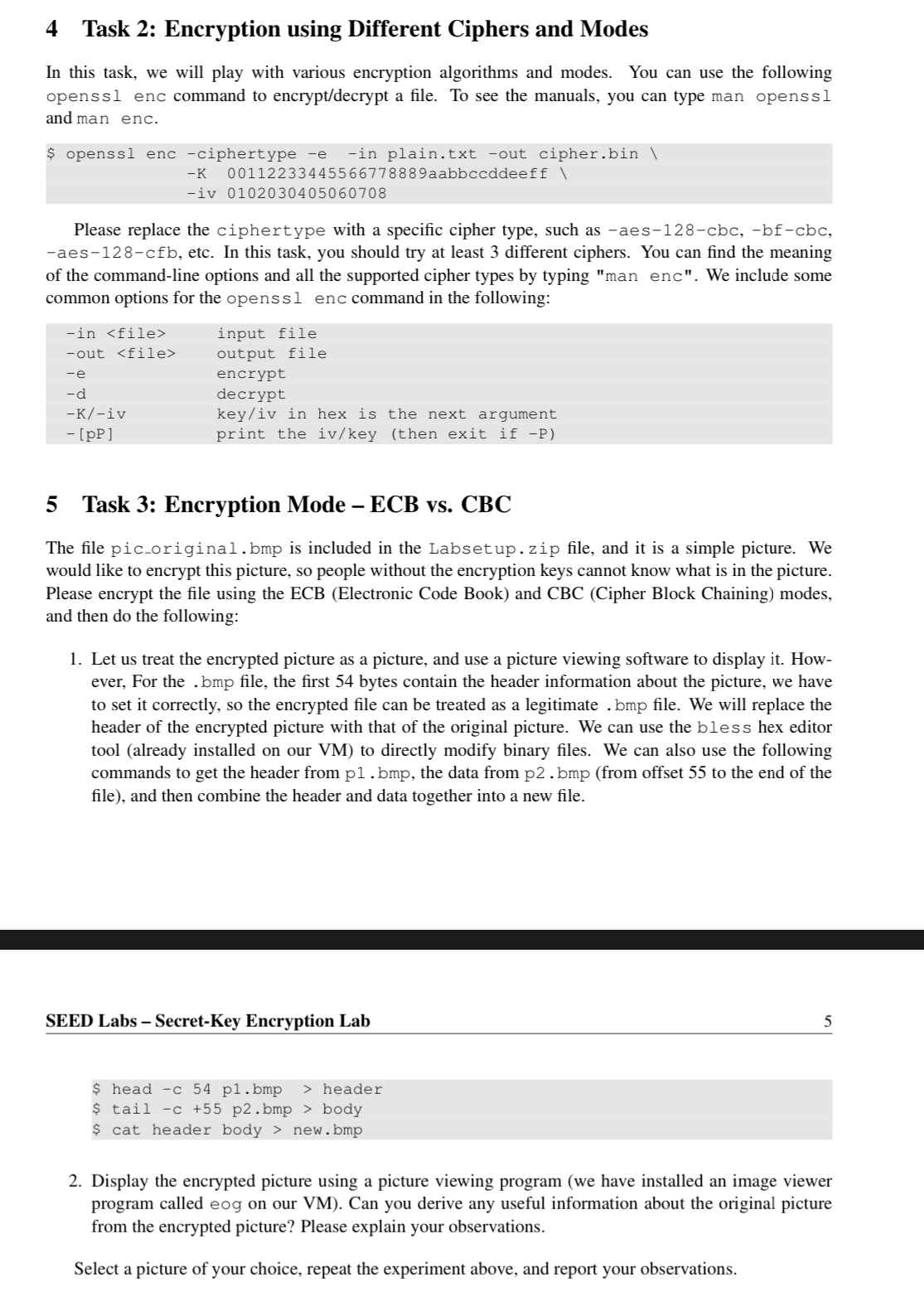
In this task, we will play with various encryption algorithms and modes. You can use the following openssl enc command to encryptdecrypt a file. To see the manuals, you can type man openssl and man enc.Please replace the ciphertype with a specific cipher type, such as aescbcbfcbcaescfb etc. In this task, you should try at least different ciphers. You can find the meaning of the commandline options and all the supported cipher types by typing "man enc". We include some common options for the openssl enc command in the following: Task : Encryption Mode ECB vs CBCThe file picoriginal.bmp is included in the Labsetup.zip file, and it is a simple picture. We would like to encrypt this picture, so people without the encryption keys cannot know what is in the picture. Please encrypt the file using the ECB Electronic Code Book and CBC Cipher Block Chaining modes, and then do the following:
Let us treat the encrypted picture as a picture, and use a picture viewing software to display it However, For the bmp file, the first bytes contain the header information about the picture, we have to set it correctly, so the encrypted file can be treated as a legitimate bmp file. We will replace the header of the encrypted picture with that of the original picture. We can use the bless hex editor tool already installed on our VM to directly modify binary files. We can also use the following commands to get the header from bmp the data from bmp from offset to the end of the file and then combine the header and data together into a new file.
SEED Labs SecretKey Encryption Lab
Display the encrypted picture using a picture viewing program we have installed an image viewer program called eog on our VM Can you derive any useful information about the original picture from the encrypted picture? Please explain your observations.
Select a picture of your choice, repeat the experiment above, and report your observations.
Step by Step Solution
There are 3 Steps involved in it
1 Expert Approved Answer
Step: 1 Unlock

Question Has Been Solved by an Expert!
Get step-by-step solutions from verified subject matter experts
Step: 2 Unlock
Step: 3 Unlock
 Study Help