







Question: 4. Write your css code below using the @media query rule, with the following specifications ( 15 points). a. For devices with a resolution of
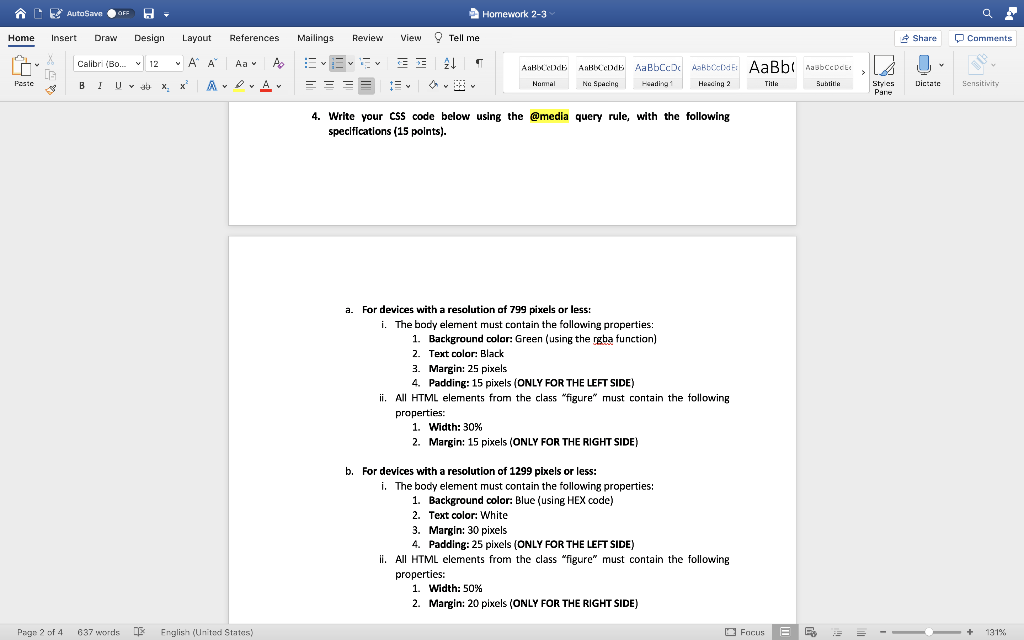
4. Write your css code below using the @media query rule, with the following specifications ( 15 points). a. For devices with a resolution of 799 pixels or less: i. The body element must contain the following properties: 1. Background color: Green (using the rgba function) 2. Text color: Black 3. Margin: 25 pixels 4. Padding: 15 pixels (ONLY FOR THE LEFT SIDE) ii. All HTML elements from the class "figure" must contain the following properties: 1. Width: 30% 2. Margin: 15 pixels (ONLY FOR THE RIGHT SIDE) b. For devices with a resolution of 1299 pixels or less: i. The body element must contain the following properties: 1. Background color: Blue (using HEX code) 2. Text color: White 3. Margin: 30 pixels 4. Padding: 25 pixels (ONLY FOR THE LEFT SIDE) ii. All HTML elements from the class "figure" must contain the following properties: 1. Width: 50\% 2. Margin: 20 pixels (ONLY FOR THE RIGHT SIDE)
Step by Step Solution
There are 3 Steps involved in it

Get step-by-step solutions from verified subject matter experts
 Study Help